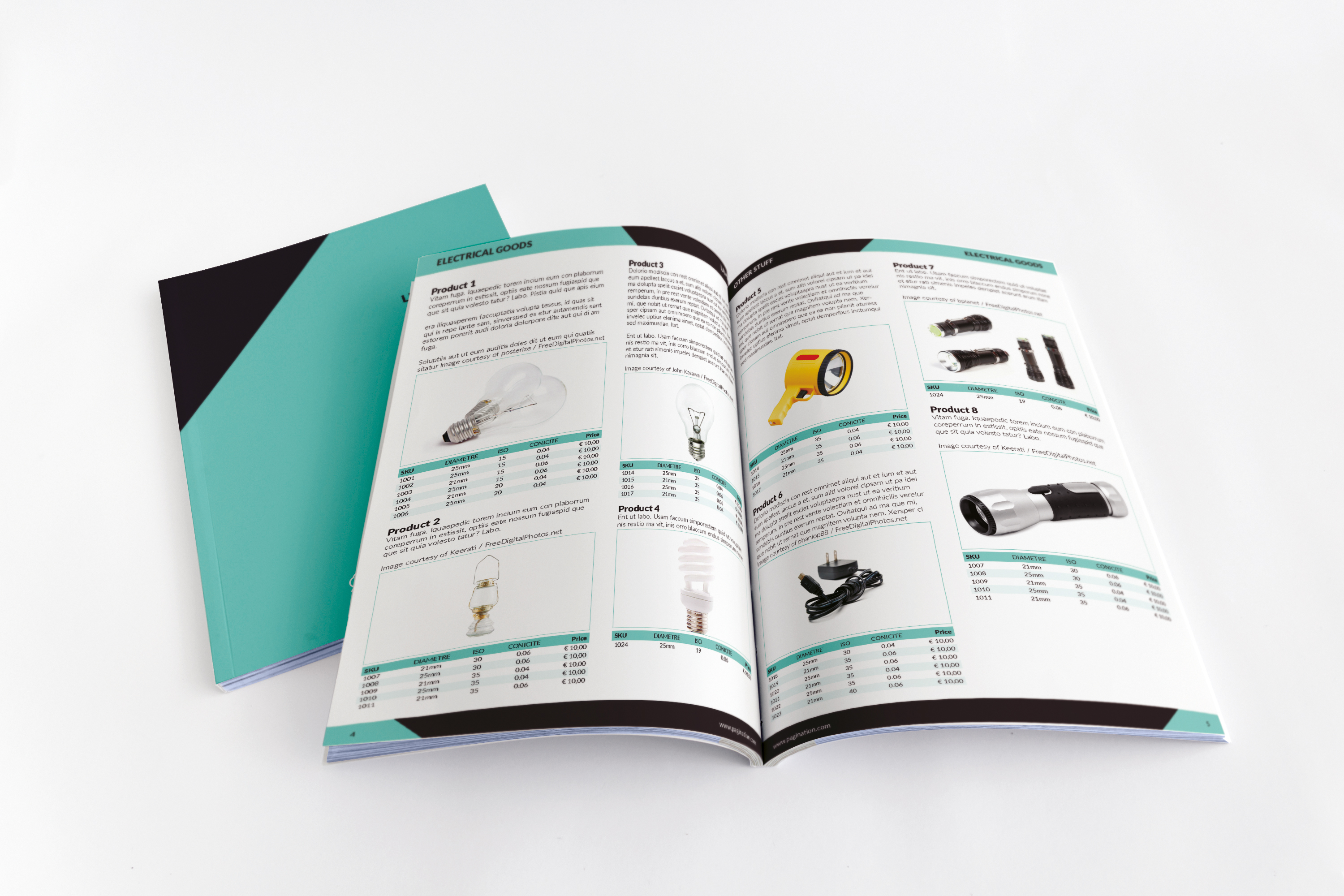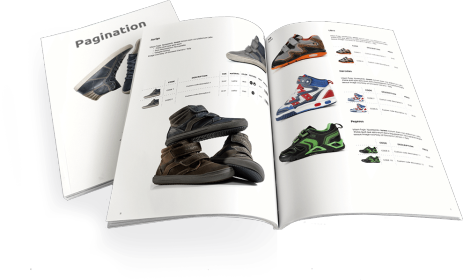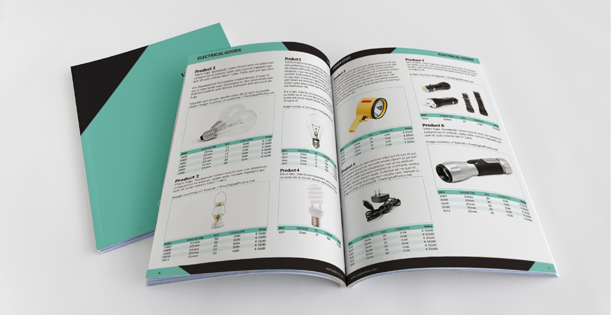
In an increasingly digital world, the need for high-quality printed and PDF documents remains strong. Whether it’s for product catalogs, price lists, or promotional brochures, businesses often need to repurpose their web content into well-designed print-ready assets. This is where the “WordPress to InDesign” process comes into play.
In this article, we’ll explore two powerful solutions that make this transition seamless: Pagination, a cloud-based database publishing tool, and iziImport, an Adobe InDesign add-on for structured content import. These tools help turn your WordPress data into professional, ready-to-print documents in a matter of minutes.
Topics
- Why Convert WordPress Data into InDesign Documents?
- What Kind of Data Can You Export from WordPress?
- How to Go from WordPress to InDesign with Pagination
- Why Basic Export Tools Fall Short for Print-Ready Documents
- Add-ons and Tools That Can Help
- Final Thoughts: WordPress and InDesign, Better Together