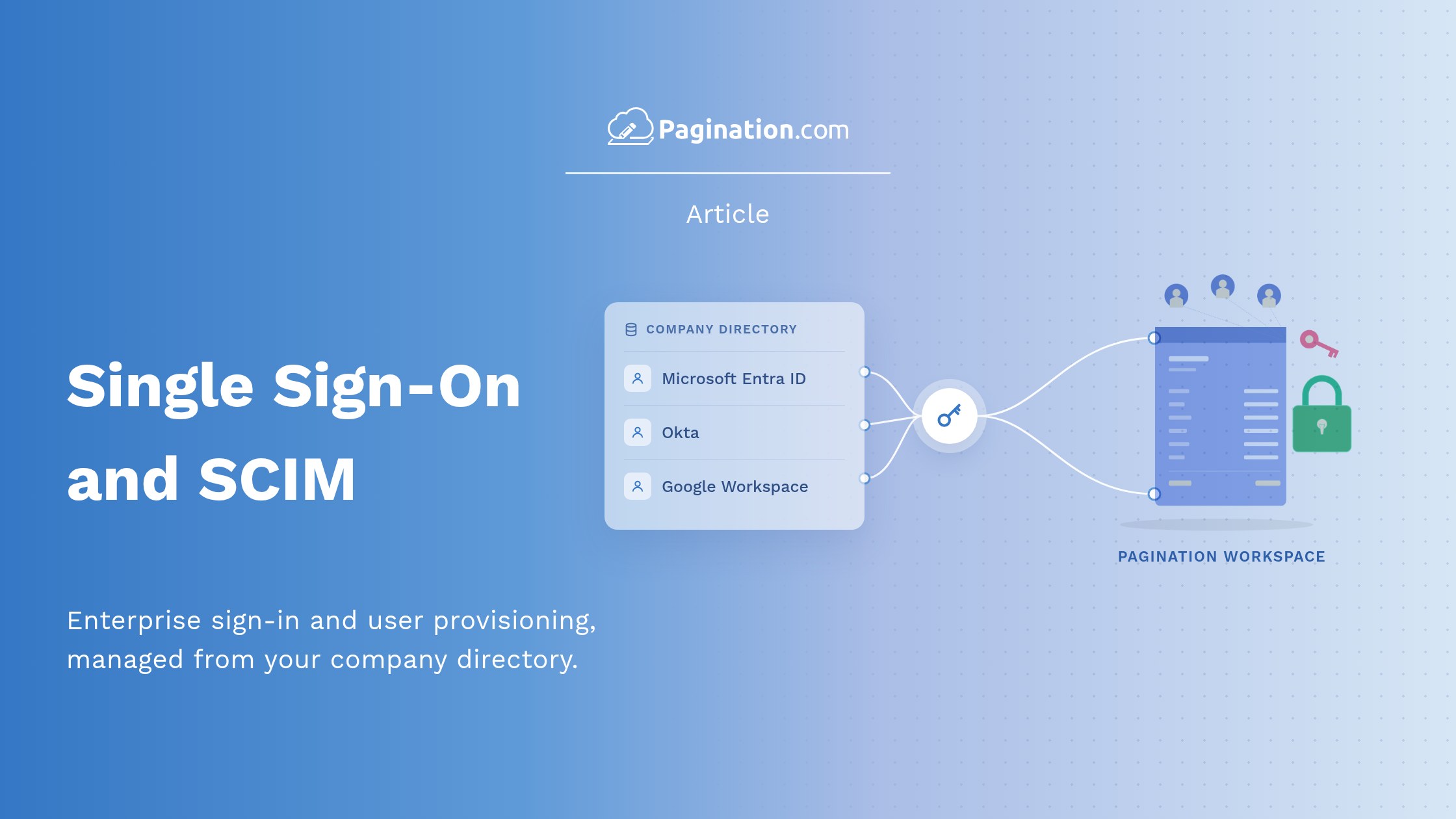
Enterprise teams can now sign in to Pagination through their company identity provider and manage Pagination accounts from their own directory. Single sign-on (SSO) and SCIM provisioning are available for enterprise accounts.
Sign In With Microsoft Entra ID, Okta or Google Workspace
Single sign-on works with the identity providers most companies already use:
- Microsoft Entra ID (formerly Azure Active Directory)
- Okta
- Google Workspace
Other identity providers can be connected too: the Pagination team checks the setup directly with your IT department.
What Changes for Your Team?
- Single sign-on: people sign in with their company credentials through your identity provider. There is no separate Pagination password, and your own sign-in rules, such as multi-factor authentication, apply.
- SCIM provisioning: Pagination accounts are created, updated and deactivated automatically from your company directory, with no users to manage by hand.
- Access that follows your people: when your IT department disables someone in the directory, that person can no longer sign in to Pagination.
Why Does It Matter?
Shared logins are common in tools adopted by a single team: a password passed between colleagues is rarely changed, and when one of them moves to another company, nobody can be sure their access has ended. With SSO and SCIM, Pagination follows the same sign-in rules as the rest of your company’s software, and each person gets their own named account.
Learn More
The Identity, Access & Data Control page explains how Pagination handles sign-in, user accounts, project access and your data. For everything Pagination offers large organizations, from integrations to a dedicated catalog specialist, see document automation for enterprises.