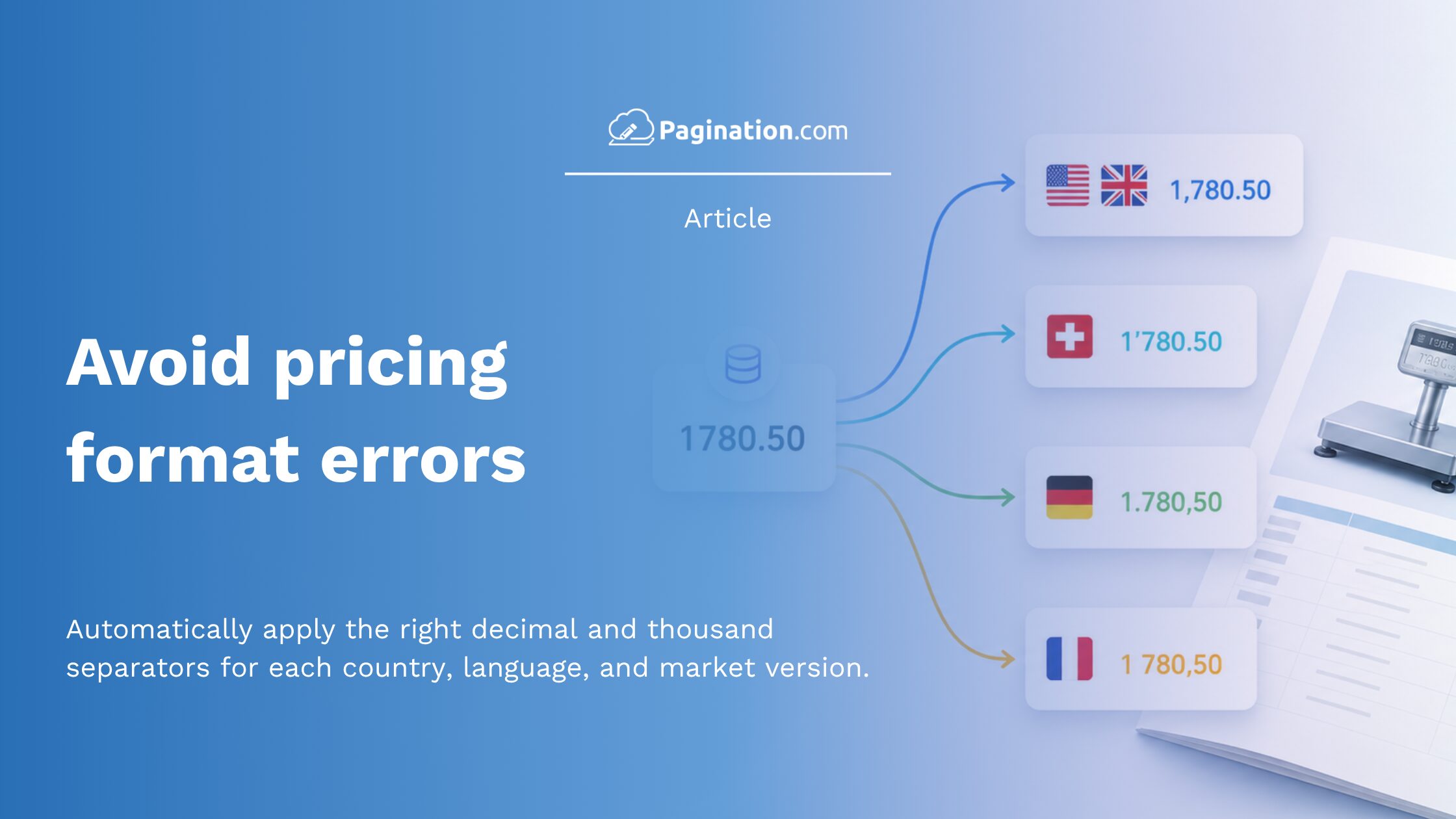
Decimal and thousand separators are a small formatting detail with a direct impact on price accuracy.
In automated catalogs, price lists, and price books, values are often imported from a PIM, ERP, Excel file, CSV, or pricing database. Before the final PDF or InDesign file is generated, those values need to be interpreted with the correct regional number format.
For example, 1.780 can mean one thousand seven hundred eighty in Germany, Italy, France, or Spain. In the United States or the United Kingdom, the same value may be read as one point seven eight zero.
With its catalog automation software Pagination manages decimal separators, thousand separators, currency formatting, and regional number rules at the edition level. This allows the same product data source to generate catalogs and price lists for different markets without manually reformatting the file for every country.
Separator handling is one part of a broader regional catalog workflow. For language, currency, assortment, and layout rules, see the guide to multi-market catalog automation.
Decimal Separator vs Thousand Separator: What Is the Difference?
A decimal separator splits the whole number from the fractional part of a value. A thousand separator groups digits to make large numbers easier to read. Different countries use different conventions for both.
| Market | Decimal | Thousand | Example |
|---|---|---|---|
| United States, United Kingdom | period | comma | 1,780.50 |
| Switzerland | period | apostrophe | 1’780.50 |
| Germany, Italy, Spain | comma | period | 1.780,50 |
| France (alternative) | comma | space | 1 780,50 |
Why Number Formatting Errors Happen in Catalog Production
Most automated catalog projects start from structured data. The source can be an Excel, CSV, TXT, or XML file, or a direct connection to a PIM, ERP, DAM, e-commerce platform, or pricing database.
The challenge is that the source data normally follows one numeric convention, while each regional catalog needs to display prices differently.
Without regional separator configuration, teams end up maintaining a separate copy of the same data file for each market. That adds manual work and increases the risk of inconsistencies between regional editions.
A real example: a global industrial weighing manufacturer producing EUR, UK, and French price catalogs from the same product data tackled exactly this challenge. The full project is covered in the industrial weighing catalog automation case study, which walks through dense technical tables, shared accessories, regional column ordering, and dynamic cover generation alongside locale formatting.
Pre-Flight Checks Before Generating a Regional Edition
Before generating a catalog or price list, it is important to check both the source format and the target output format.
- Confirm the source convention: open the load file and verify that decimal and thousand separators are consistent across all price columns. Mixed conventions inside one file are the hardest case to debug after the fact.
- Confirm the target convention per edition: each regional edition should declare its separator rules explicitly, not infer them from the load file. Explicit beats implicit when the same data feeds multiple markets.
- Confirm that conditional fields have explicit values: empty cells in formatting-control columns can leak placeholder characters into rendered prices. Filling them, or letting the template handle blanks deterministically, removes a class of silent errors.
For teams that drive document generation programmatically, the same separator rules can be passed through the Pagination Document API per render call, so locale handling stays consistent whether catalogs are produced from the portal or from an upstream automation.
Regional Separator Configuration in Pagination
Pagination ties separator rules to the edition, not to the load file.
Each regional output can carry its own rules for decimal separators, thousand separators, currency formatting, decimal precision, and price display. When Pagination generates the document, it reads the source data, applies the selected edition rules, and renders the final PDF or InDesign file accordingly.
The practical effect is simple:
- The data team can keep one consistent pricing format in the source system.
- Designers do not need to find and replace separators inside InDesign.
- Each market receives prices formatted according to its local convention.
- There is no need to maintain separate copies of the same load file just to change number formatting.
The same logic can work alongside other edition rules, including currency symbols, localized labels, product assortment, column ordering, and price visibility.
Frequently Asked Questions
1) Can the same product data generate catalogs with different number formats?
Yes. With edition-level configuration, the same product data can generate different regional catalog editions, each with its own decimal separators, thousand separators, currency rules, and localized formatting.
2) Should separators be corrected manually in Excel?
For simple files, this may work. For multi-market catalog automation, it is better to keep the source data consistent and let the document generation workflow apply the correct regional format.
3) Where is regional separator configuration applied: in the data, the template, or the rendering engine?
In Pagination, locale rules are applied at the rendering stage, driven by the edition configuration. The load file stays canonical and the InDesign template stays locale-neutral, which means designers don’t have to maintain a separate template per market.
Correct Price Formatting for Every Regional Catalog
Decimal and thousand separators are not just a typographic detail. In catalogs and price lists, they directly affect price accuracy and customer interpretation.
Pagination helps companies generate regional catalog editions with the correct number formatting, currency rules, and layout logic from one consistent product data source.
The result is a more reliable document automation workflow, with fewer manual corrections, fewer inconsistencies, and fewer formatting errors in the final PDF or InDesign file.