Industrial Machinery Catalog and Price List Automation

Pagination turns your product data into spare-parts catalogs, technical price lists and product catalogs, generated automatically for every market, currency and language.

For machinery manufacturers, one data source and one InDesign template produce print-ready PDF, packaged InDesign or editable Excel, without rebuilding part tables and price lists by hand every time the ERP changes. This is catalog automation built for products with many variants and long service lives.

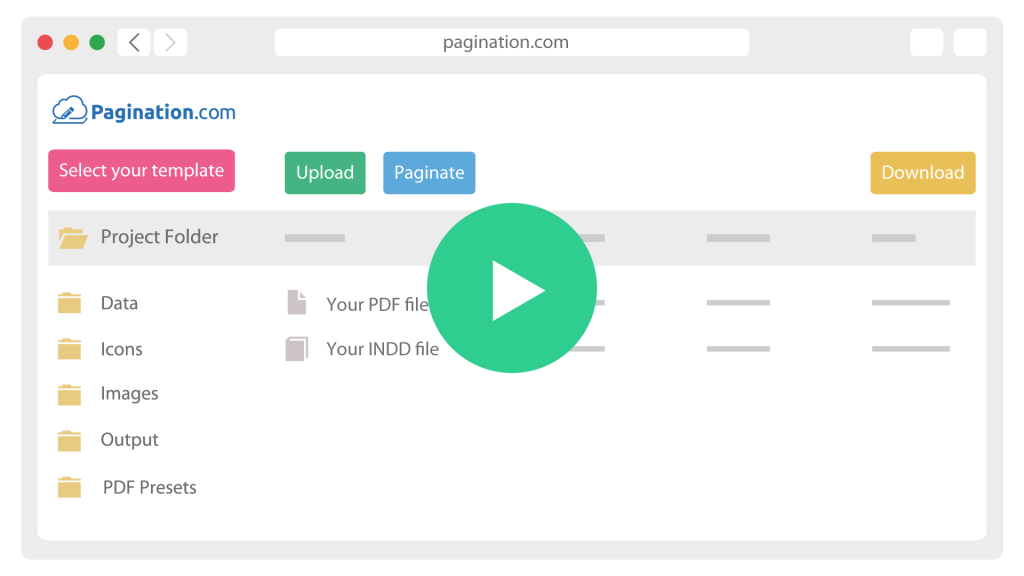
How Industrial Machinery Catalog Automation Works

icon__upload-data
1

Connect your data

Pull products, prices and assets from your PIM, ERP or Excel file, via API, FTP or upload.

icon__paginate-document
2

Built around your business

One InDesign template renders each region, dealer tier and language, placing prices, certifications and drawings automatically.

icon__download-files
3

Distribute and archive

Export print-ready PDF, packaged InDesign or Excel, and keep every edition archived by date, market and tier.

The Real Challenges of Automating a Machinery Catalog

Machinery documentation is technical and it changes constantly: variants multiply, spare parts run into the thousands, and prices update in the ERP long before the catalog catches up. Pagination is built for database publishing, where product data, layout rules and InDesign templates work together.

One Machine, Dozens Of Variants And Spare Parts

A single machine line expands into dozens of variants and thousands of spare parts, each with its own code, specification and price. Laying that out by hand does not scale.


Pagination generates the part tables and variant listings from your data, so the catalog stays complete without a manual rebuild.

Prices Live In The ERP, The Price List Lives Everywhere Else

For most manufacturers the prices already sit in the ERP, while the price list is kept in a mix of Excel, InDesign and Word. That gap is where errors and outdated prices creep in. With price list automation, Pagination generates the price list straight from the ERP data, so the published document matches the source.

Exploded Views And Drawings Come From Engineering

Exploded views, dimension drawings and part diagrams are produced by engineering, not the studio, and they change with each revision. Pagination places the linked drawing for each part automatically and prints the revision held in the data, so the catalog reflects the current engineering record without a manual redraw.

Kongskilde

Prices in the ERP, price lists spread across Excel, InDesign and Word.
That was the starting point for Kongskilde, a Danish industrial machinery manufacturer, before it moved price list production onto Pagination and generated the documents straight from its structured data.

Document Automation for Machinery and Equipment Manufacturers

A machinery SKU carries specifications, variants, compatible spare parts, exploded views, packaging data and market-specific pricing. The same record feeds a product catalog, a spare-parts catalog and a price list, each with its own layout rules.

Pagination drives all of them from that one record, so an update to a price or a part flows into every document automatically.

What you publishHow Pagination handles it
Spare-parts catalogsPart tables and exploded views generated from your data, per machine and assembly
Technical product catalogsVariant listings and spec tables generated per product family
Multi-market price listsOne edition per market and currency, generated straight from the ERP
Exploded views and drawingsLinked per-part assets placed automatically, with the revision printed from the data
Cross-references and accessoriesCompatible parts and accessories built from the relationships in your data
Multi-language editionsLocal number formatting, currency and legal notes from one shared template
Effective date and revisionEvery file carries the source revision and the effective date for audit
Excel exportsGenerated alongside PDF, with pricing formulas preserved for downstream edits
Scheduled or on-demand outputGenerate on a schedule you define, or trigger runs through the API

Start from a Sample of Your Current Catalog

Share a recent spare-parts catalog, product catalog or price list, plus an ERP or CSV export of the underlying data. A short review shows which sections can be automated, which part and pricing rules need to be defined, and what industrial machinery catalog automation would look like across your product lines and markets.