Healthcare and Medical Device Catalog Automation

Pagination turns your product data into product catalogs, configurable order forms and price lists, generated automatically for every model, market and language.

For healthcare and medical device manufacturers, one data source and one InDesign template produce print-ready PDF, packaged InDesign or editable Excel, without re-keying specifications, references or prices every time the source changes. This is healthcare catalog automation built for configurable, specification-heavy products.

How Healthcare Catalog Automation Works

icon__upload-data
1

Connect your product data

Pull models, options, specifications and prices from your PIM, ERP or Excel file, via API, FTP or upload.

icon__paginate-document
2

Build catalogs and order forms

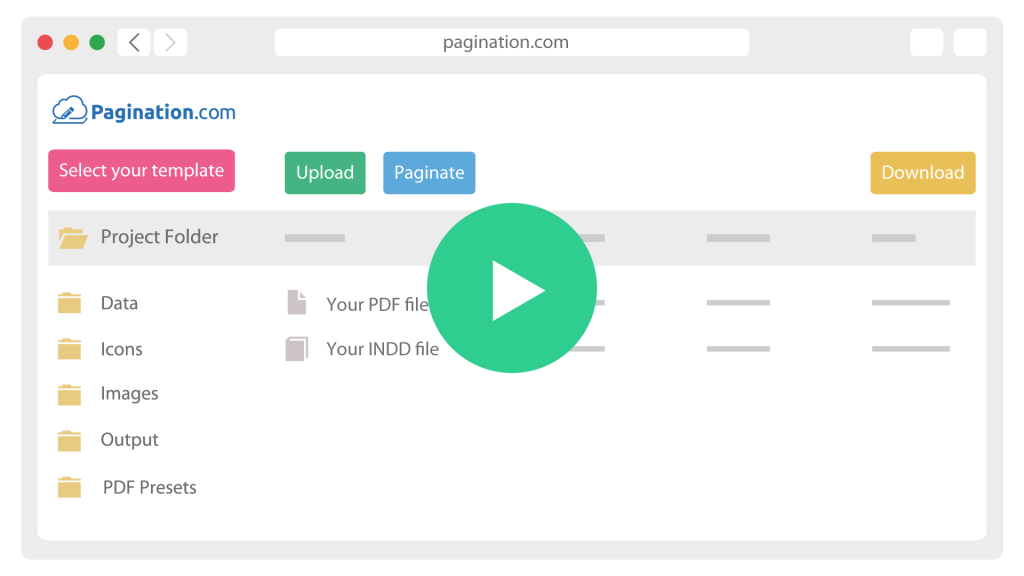
Pagination generates each catalog page and configurable order form from the data, placing the valid options, specifications and references for every model.

icon__download-files
3

Publish and archive

Export print-ready PDF, packaged InDesign or Excel, and keep every edition archived by market and revision, so each published version stays traceable.

The Real Challenges of Automating a Healthcare Product Catalog

Medical device documentation is technical, configurable and regulated: the same product line ships in many configurations, the specifications have to match the source exactly, and the catalog is often published in several languages. Pagination is built for database publishing, where regulated product data, configuration rules and InDesign templates work together.

Configurable Devices Need Configurable Documents

A single device line expands into power, manual and positioning configurations, each with its own options, references and prices. Order forms and spec sheets have to reflect the valid options for each model.

Pagination generates the order forms and catalog pages from your data, so every configuration prints correctly without a manual rebuild.

Every Specification And Reference Must Match The Source

For regulated products, an outdated reference or a wrong specification on the page is a real problem, not a cosmetic one.


Pagination places specifications, references and prices directly from the source record and stamps the revision and effective date on every file, so the document always matches the data and each version stays traceable.

specifications icon
multilingual icon

One Catalog, Several Languages And Markets

Medical devices are sold across regions, so the same catalog and price list ship in multiple languages and currencies, with market-specific references.


Pagination generates the whole set from one dataset, applying each market’s language, currency and rules automatically.

Permobil

Power, manual and positioning wheelchairs, each with its own configuration and order form. Permobil, a US manufacturer of mobility and seating systems, automated its product order forms on Pagination, generating each one from structured product data so every configuration prints correctly.

Read the Permobil case study

Document Automation for Machinery and Equipment Manufacturers

A healthcare or medical device SKU carries specifications, configurations, references, certifications, images and market-specific pricing. The same record feeds a product catalog, an order form, a spec sheet and a price list, each with its own layout rules.

Pagination drives all of them from that one record, so an update to a configuration or a price flows into every document automatically.

What you publishHow Pagination handles it
Product catalogsGenerated per product range from a single dataset
Configurable order forms and spec sheetsBuilt per model and option set, straight from your data
Multi-language, multi-market editionsLocalized catalogs and price lists from one shared template
Price listsOne edition per market and currency, generated from ERP data
Specifications and referencesPlaced from the source record, so the page always matches the data
Effective date and revisionStamped on every file for regulatory traceability
Images and diagrams per productLinked assets placed automatically on the right product
Excel exportsExcel exports for tender and quote workflows
Scheduled or on-demand outputRegenerate on each data release or revision

Start from a Sample of Your Current Catalog

Share a recent catalog, order form or price list, plus an ERP or CSV export of the underlying product data. A short review shows which sections can be automated, which specification and configuration rules need to be defined, and what healthcare catalog automation would look like across your product ranges and markets.