Bathware Catalog and Price Book Automation

Pagination turns your product data into multi-brand price books, spec sheets and product catalogs, generated automatically for every brand, market and language.

For bathware and sanitaryware manufacturers, one data source and one InDesign template produce print-ready PDF, packaged InDesign or editable Excel, without rebuilding price books by hand every time the PIM changes. This is catalog automation built for large, multi-brand product ranges.

How Bathware Catalog Automation Works

icon__upload-data
1

Connect your product data

Pagination reads product attributes, dimensions, finishes and prices from your PIM, and the technical drawings and images from your DAM, connected through an API, SFTP or upload.

 
icon__paginate-document
2

Apply each brand's rules to one template

A single InDesign template holds the layout, and Pagination applies each brand’s SKU format, spec tables and pricing conventions to it, so every brand’s price book comes out of the same workflow.

icon__download-files
3

Publish and keep every edition on record

Export print-ready PDF, packaged InDesign or Excel, and keep each brand and market edition archived by date and revision, so past price books stay retrievable.

The Real Challenges of Automating a Bathware Price Book

Bathware price books are large, technical and often span several brands: thousands of SKUs, each with dimensions, finishes, drawings and pricing, published across markets. Pagination is built for database publishing, where PIM data, brand rules and InDesign templates work together.

Thousands Of SKUs Across Several Brands

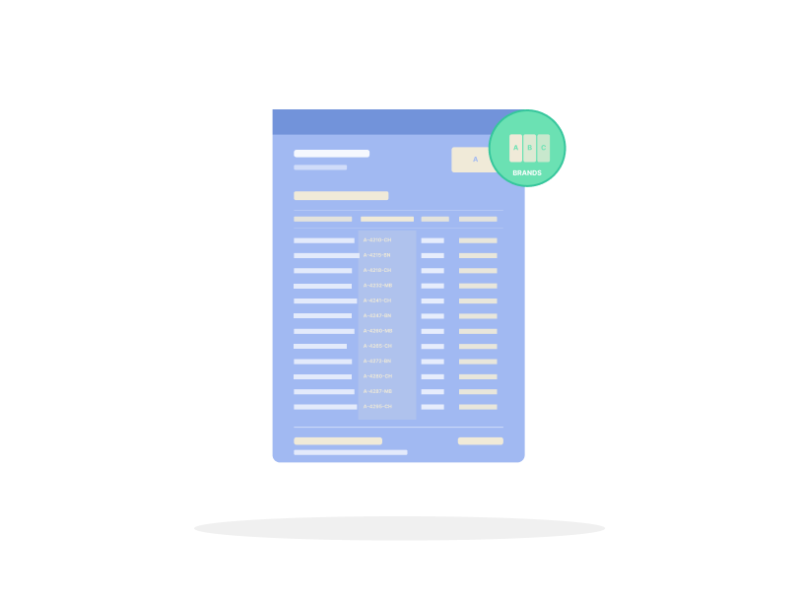
A bathware price book can run to thousands of SKUs, and a manufacturer with a house of brands has to publish each one with its own conventions. Even the SKU format can differ from brand to brand. Pagination generates every brand’s price book from one workflow, applying each brand’s rules to the same template rather than maintaining a separate file per brand.

Spec Sheets And Price Books From The Same Record

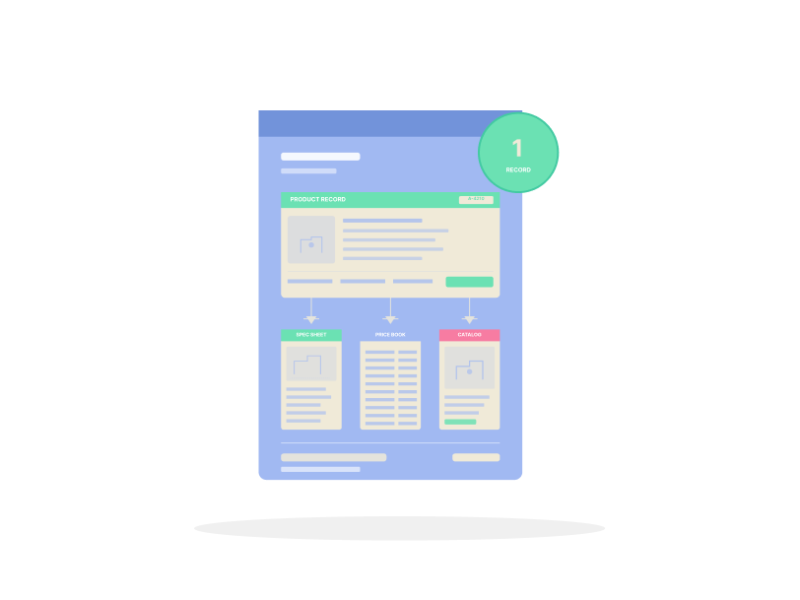
The same product feeds a price book, a spec sheet and a catalog page, each showing different fields. Maintaining them separately is where dimensions and prices drift apart. Pagination drives all of them from one product record, so a change to a dimension or a price flows into every document.

 
pim/dam icon

Product Data And Images Live In The PIM And DAM

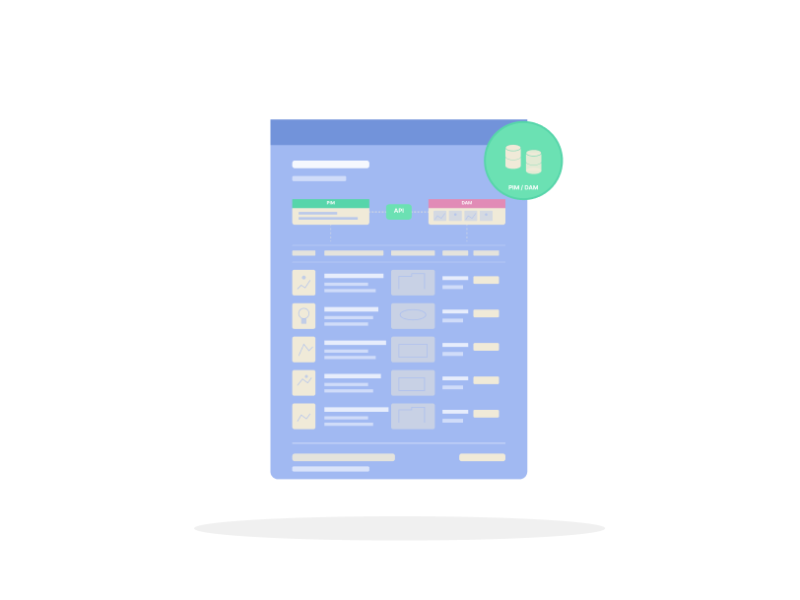
Product attributes sit in the PIM and the images and drawings in the DAM, and the price book has to bring both together. Pagination connects to the PIM and DAM through an API, placing the right dimensions, drawings and images on each SKU automatically, so the book reflects the current data on every run.


American Bath Group

Thousands of SKUs, several bath brands, one price book workflow. American Bath Group, a US bathware manufacturer, automated its price books on Pagination, with a Salsify PIM and a DAM connected through an API so specs, dimensions and drawings are placed on each SKU automatically.

Document Automation for Bathware and Sanitaryware Manufacturers

A bathware SKU carries dimensions, finishes, technical drawings, spec values, pricing tiers and market-specific data. The same record feeds a price book, a spec sheet and a product catalog, each with its own layout rules. Pagination drives all of them from that one record, so an update to a dimension or a price flows into every document automatically.
What you publishHow Pagination handles it
Multi-brand price booksOne template across brands, with each brand’s SKU and format rules applied
Spec sheets per SKUDimensions, finishes, drawings and specs placed from your data
Product catalogsGenerated per brand and collection from a single dataset
Technical drawings and dimensionsLinked per-SKU assets placed automatically from the DAM
Multi-language, multi-market editionsLocalized price books and catalogs from one shared template
PIM and DAM via APIProduct attributes and asset URLs pulled straight from your systems
Effective date and revisionCarried on every file, per brand and edition
Excel exportsExcel price books with formulas for dealer markups
Scheduled or on-demand outputRegenerate on each PIM update, or through the API

Start from a Sample of Your Price Book

Share a recent price book, spec sheet or catalog, plus a PIM or CSV export of the underlying product data. A short review shows which sections can be automated, which brand and formatting rules need to be defined, and what bathware catalog automation would look like across your brands and markets.