Electronics and Electrical Catalog Automation

Pagination turns your product data into technical catalogs, datasheets and price lists, generated automatically for every product family, market and language.

Whether you build motors, controls, luminaires or instruments, one data source and one InDesign template produce print-ready PDF, packaged InDesign or editable Excel, with no manual rebuilding of dense spec tables every time a value changes. This is catalog automation built for specification-heavy product lines.

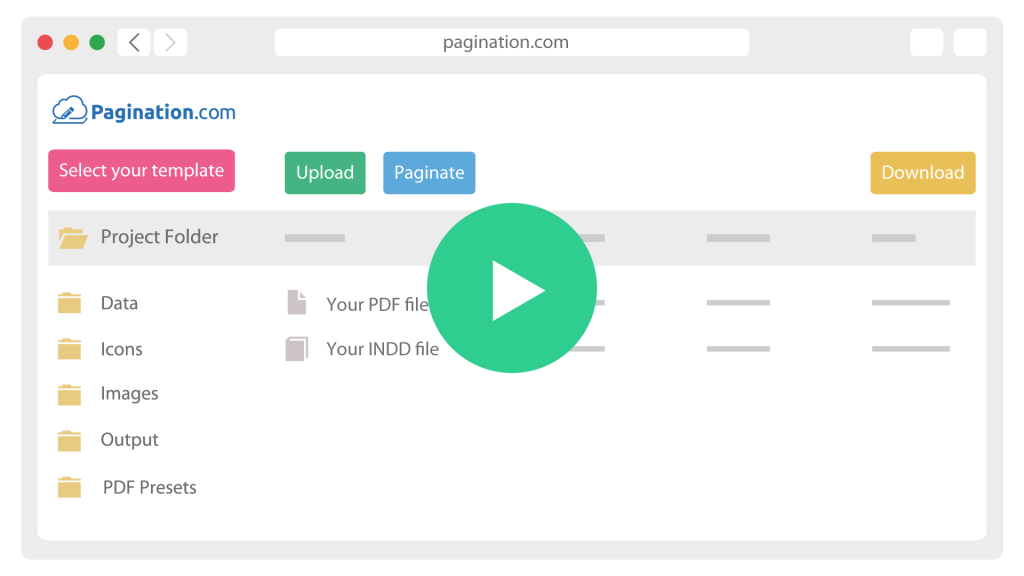
How Catalog Automation for Electronics Material Works

icon__upload-data
1

Connect your data

Pull products, specifications and assets from your PIM or an Excel export, via API, SFTP or upload.

icon__paginate-document
2

Fit templates to your business

One InDesign template renders each product family, market and language, placing spec tables, icons and drawings automatically.

icon__download-files
3

Distribute and archive

Export print-ready PDF, packaged InDesign or Excel, and keep every edition archived by date, market and product line.

The Real Challenges of Automating an Electronics Catalog

Many catalog tools work for simple assortments. Electronics data is technical, the tables are dense, and the same catalog ships in several languages and regional editions, so the publishing logic has to be more structured. Pagination is built for database publishing, where product data, layout rules and InDesign templates work together.

Technical Tables Change Shape From One Product To The Next

A motor, a controller and a luminaire do not share the same specification columns. When column counts and content length vary by product family, standard data merge cannot guarantee clean results.


Pagination generates the parametric tables and adapts the layout so each family reads correctly, without a manual rebuild.

Every Market Needs Its Own Edition, Down To The Decimal Separator

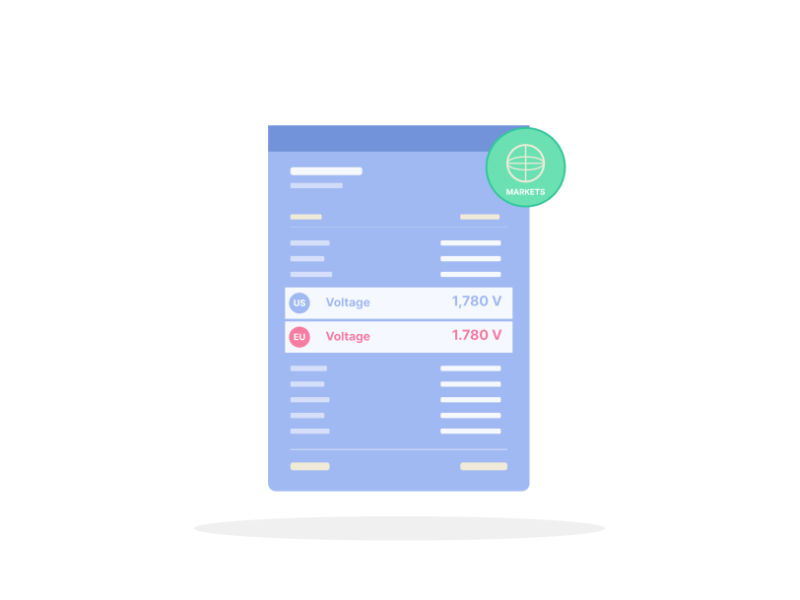
The same catalog ships as regional and language editions, and the details matter: local number and separator formatting (1.780 against 1,780), different column ordering per market, and the ability to show or hide pricing per edition. Pagination generates the whole set from one dataset, applying each market’s rules automatically.

Specs, Icons And Drawings Live In The Data, Not The Layout

Application and compliance icons, footnotes, accessories and drawings all belong to specific products and change on their own schedule.


Pagination maps icons and footnotes from the product attributes and places drawings as linked per-SKU assets, so when the source record changes, every generated edition follows.

Somfy

A 500-page product catalog. US and Canadian price books. Motors, controls and accessories, each on its own template. Somfy, a US manufacturer of motorized window coverings and smart home systems, automated all of it on Pagination, generated from regular PIM exports so every market edition stays current.

Document Automation for Electronics and Electrical Manufacturers

An electronics or lighting SKU carries far more than a name and a price: technical specifications, parametric tables, performance values, compliance icons, footnotes, drawings, accessories and region-specific pricing. The same record feeds a product catalog, a datasheet and a price list, each with its own layout rules.

Pagination drives all of them from that one record, so an update to a specification or a price flows into every document automatically.

What you publishHow Pagination handles it
Technical product catalogsDense, parametric spec tables generated per product family, with adaptive column handling
Datasheets and spec sheets per SKUOne sheet per product, with specifications, icons and drawings placed from your data
Multi-region, multi-language price listsOne edition per market and language, with local number formatting and legal notes
Product-family templatesDistinct layouts for motors, controls, luminaires, instruments or accessories from one source
Icons and footnotes from attributesApplication and compliance icons mapped to product attributes, footnotes placed automatically
Accessories and related productsAccessory tables and cross-references built from the product relationships in your data
Price visibility controlShow or hide pricing, or swap price versions, per edition and per market
Excel exportsGenerated alongside PDF, with pricing formulas preserved for downstream edits

Scheduled or on-demand output

Generate on a schedule you define, or trigger runs through the API

Start from a Sample of Your Current Electronics Catalog

Share a recent catalog, datasheet or price list, plus a CSV or PIM export of the underlying product data. A short review shows which sections can be automated, which table and formatting rules need to be defined, and what electronics catalog automation would look like across your product families and markets.