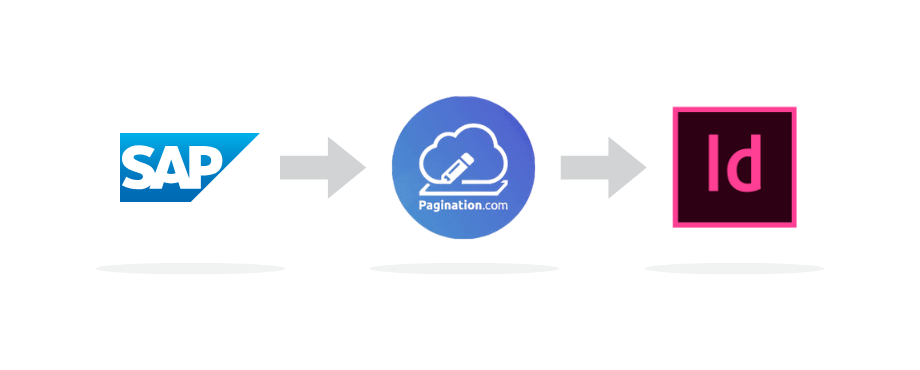
From SAP to print-ready InDesign, automatically.
Manufacturing companies running SAP store everything they need for product documents: item descriptions, pricing, technical specifications, stock levels. But turning that data into polished price books, offers, and catalogs still requires manual work: exporting, reformatting, laying out pages in InDesign, and checking every number.
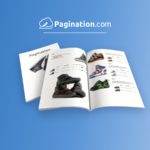
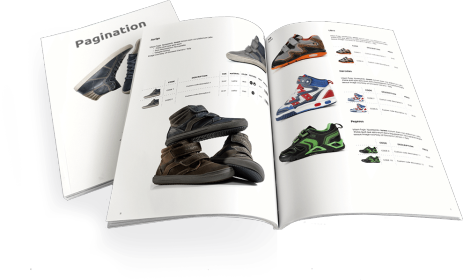
Pagination bridges that gap. It takes data exported from SAP and automatically generates InDesign documents (price lists, price books, product offers, catalogs), formatted, paginated, and ready to print or distribute as PDF. It runs on the same engine as Pagination Catalog Software, Pagination Price List Software and Pagination Price Book Software.
On this page
1. How the SAP to InDesign Integration Works
2. SAP Document Automation: Customer Examples
3. Why SAP Alone Cannot Produce Print-Ready Catalogs and Price Lists
4. Native InDesign Files from SAP Data, Not Just PDFs
5. Getting Started: From SAP Export to InDesign Document
6. Supported SAP Versions: S/4HANA, ECC and Business One
How the SAP to InDesign Integration Works
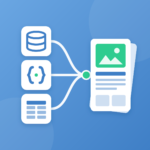
The workflow starts with a data export from SAP. Whether it’s a scheduled extract, an API call, or a manual CSV export, the product data leaves SAP in a structured format and enters Pagination’s cloud engine.
Three integration approaches, depending on your SAP setup:
- Scheduled SAP extract → Pagination
Your SAP team sets up an automated export: a report or ABAP program that writes product data (items, prices, descriptions, images) to a file on a recurring schedule. Pagination picks up the file and generates the document automatically. FAAC works from SAP extracts in the same way: prices and product codes in its price catalog come straight from SAP, with no manual transcription. - API integration → on-demand document generation
For companies that need documents generated on demand (such as commercial offers created during the sales process), Pagination connects via API. FITT, an Italian manufacturer, uses this approach: its IT team built a custom integration with the Pagination APIs, so sales teams keep working in SAP while branded offers are generated in the background. No manual data re-entry, no copy-paste from SAP screens into InDesign templates. - Manual export → upload → generate
The simplest starting point. Export your SAP data to Excel or CSV, upload it to the Pagination web app, and generate. Altus NZ works this way: its team exports product data from SAP, sorted by product hierarchy, and uploads it to Pagination to generate its price books. Many companies start here and move to automated workflows as the process matures.
In every case, the output is a fully formatted InDesign document (with correct pagination, table of contents, product groupings, images, and pricing) generated in minutes instead of days.
SAP Document Automation: Customer Examples
FITT: Branded Commercial Offers from SAP
FITT, a global group founded in Italy in 1969, produces its commercial offers in SAP as standard PDF forms. Pagination reads the offer data from those forms and combines it with product information from FITT’s PIM (images, categories, links to technical data sheets and web pages) to produce fully branded offers in five languages. Each offer opens with a cover personalized with the customer name and offer codes, followed by a map of the product range that links only to the families included in the offer, then terms, conditions, and the detailed price table.
Case study: How FITT automates branded offers from SAP →
FAAC: Price Catalogs from SAP Extracts
FAAC, an Italian manufacturer of access automation systems, publishes an annual catalog that works as the price list for its distributors and installers. Prices and product codes now come directly from SAP, while page numbers, cross-references, and the table of contents are generated automatically. When FAAC moved the catalog to A4 in the first year, the data and layout rules adapted to the new format; no pages had to be rebuilt.
Case study: How FAAC reduced price errors with SAP-driven catalog automation →
Altus NZ: Extrusion and Hardware Price Books from SAP Exports
Altus NZ, a New Zealand manufacturer of window and door extrusions, hardware and industrial components, manages part numbers, prices and product hierarchies in SAP. Its team exports the data sorted by product hierarchy and uploads it to Pagination, which generates each price book from a dedicated InDesign template: a landscape extrusion book with a hierarchy index and color tables, and a hardware book covering up to 20,000 SKUs.
Case study: How Altus NZ automates its price books from SAP →
Why SAP Alone Cannot Produce Print-Ready Catalogs and Price Lists
SAP is built for enterprise resource planning: managing inventory, orders, pricing structures, and logistics. It is not built for page layout, typography, or print production.
The gap between SAP and a finished document includes:
- Page layout and formatting: SAP can export data, but it cannot produce a visually branded, print-ready price book with product images, headers, and consistent typography. That requires InDesign-quality layout, which Pagination generates automatically from templates.
- Multi-format output: The same SAP data may need to become a PDF price book for distributors, an Excel file for sales teams, and a print-ready catalog for trade shows. Pagination handles all three from a single data source.
- Localization and coefficients: Products stored in SAP with base prices in one currency may need to appear in documents with distributor-specific coefficients, localized decimal separators, and multi-language descriptions. Pagination applies these transformations during generation.
- Image handling: SAP stores product references, not print-resolution images. Pagination pulls images from wherever they live (a DAM, a shared drive, an S3 bucket) and places them automatically according to the template layout.
- Document logic: Table of contents generation, conditional column visibility, product grouping by hierarchy, blank page insertion for print signatures. These are publishing decisions, not ERP functions.
Native InDesign Files from SAP Data, Not Just PDFs
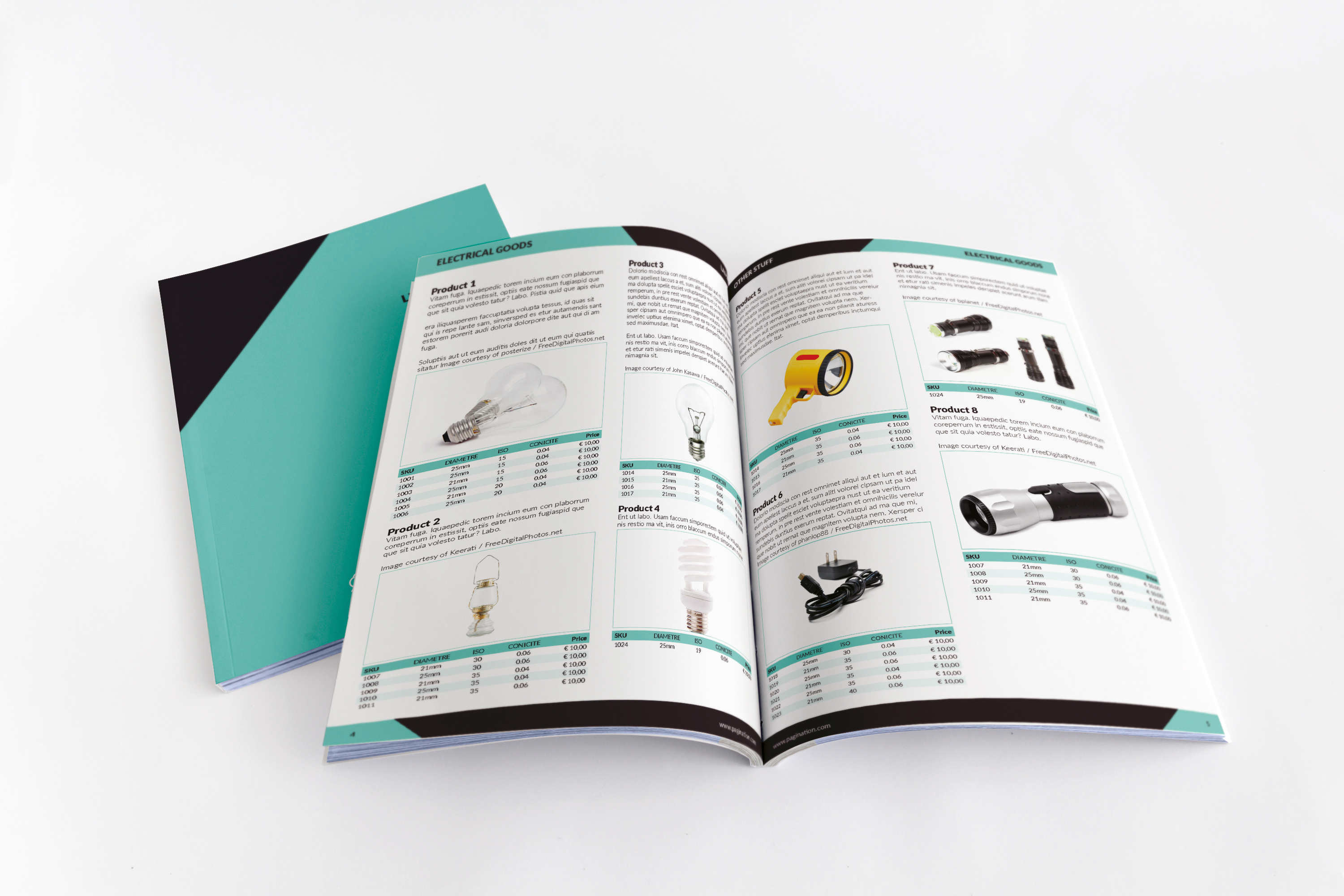
With InDesign automation, Pagination generates native Adobe InDesign files (.indd), not just PDFs. This matters because:
- Your design team keeps full control. The generated InDesign file uses your branded template (fonts, colors, margins, grid) and can be opened and refined in InDesign if needed.
- Print production stays professional. InDesign handles CMYK color management, bleed, crop marks, and preflight checks that PDF-only tools cannot match.
- Templates are reusable. One InDesign template serves every edition. When pricing changes in SAP, regenerate the document: same layout, new data.
Most SAP users also get print-ready PDF output alongside the InDesign file, ready for immediate distribution.
Getting Started: From SAP Export to InDesign Document
Getting started does not require a full SAP integration project. The typical path:
- Share a sample export: Send us a representative SAP data export (Excel, CSV, or XML) along with an example of the finished document you currently produce manually.
- Template design: We design the InDesign template based on your brand guidelines and document structure.
- Data mapping: We map SAP fields to template placeholders: which column is the product name, which is the price, where do images come from, how products are grouped.
- Test and refine: Generate a first document, review it against the manual version, adjust.
- Automate: Once the output matches, move from manual upload to scheduled or API-driven generation.
At FAAC, prices and product codes taken from SAP were correct from the very first production cycle.
Supported SAP Versions: S/4HANA, ECC and Business One
If you produce price lists, price books, catalogs, or commercial offers from SAP data (and the manual formatting process takes hours or days each cycle), Pagination can automate the entire document generation step.
It works with any SAP version that can export structured data (S/4HANA, ECC, Business One). The integration point is the data export, not a direct SAP plug-in, which means no changes to your SAP instance and no IT project to install connectors.
Using SAP Commerce Cloud (formerly Hybris) as the source of your product content? See SAP Commerce Cloud to InDesign.
Ready to evaluate? Contact us with a sample SAP export and an example of the document you want to automate, and we will show you how it can be generated from your data.