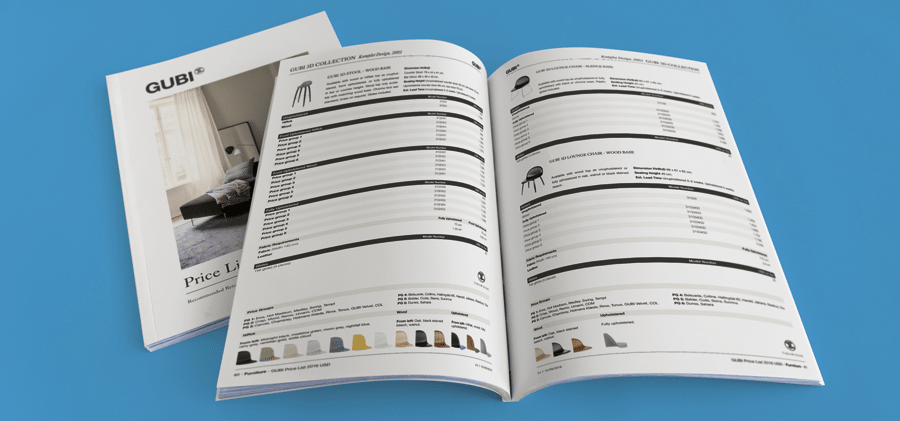
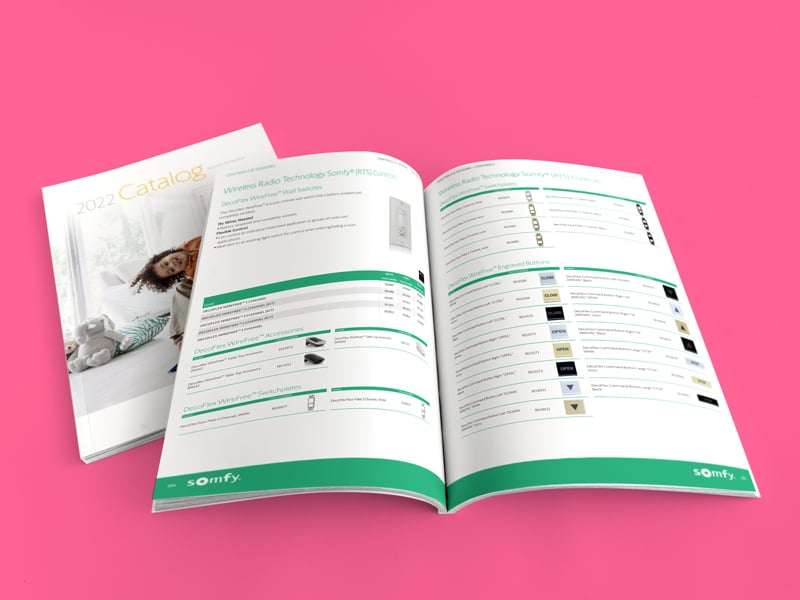
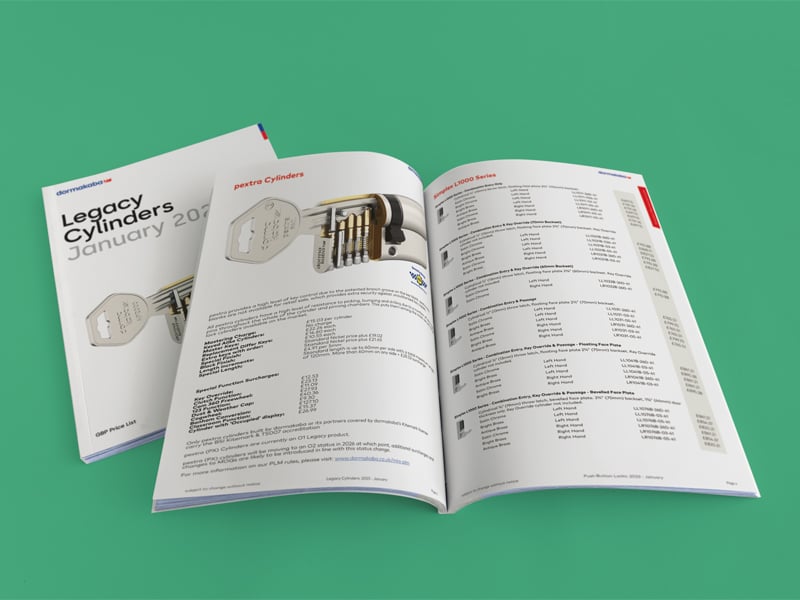
Marketing and product teams know the struggle all too well. You’re constantly racing to keep catalogs, price lists, and product sheets current. New products launch, items get discontinued, prices shift, markets expand. And if you’re still building everything manually in InDesign, you’ve got a serious bottleneck on your hands.
That’s exactly where catalog automation changes the game. With the right workflow in place, you can generate an automated catalog straight from your product data: reliably, at scale, and with your design team staying firmly in control.
Let’s walk through what catalog automation actually is, when it makes the most sense for your business, and how a specialized solution like Pagination can streamline your entire production process.
What is catalog automation?
Catalog automation means using software to create catalogs, price lists or product sheets automatically from a structured data source, instead of building every page manually.
In a typical automated catalog workflow:
Product information is stored in an ERP, PIM, DAM or even Excel.
Design teams create page templates and product layouts in Adobe InDesign.
Automation rules map the data to specific layouts.
The system generates InDesign and PDF files for each catalog version.
The goal isn’t to replace designers, but it eliminates the repetitive grunt work of placing thousands of product records, freeing your creative team to focus on crafting structure, messaging, and visual excellence.
Why your business needs an automated product catalog
Catalog automation delivers the biggest impact when you’re dealing with:
Large-scale catalogs with hundreds or thousands of SKUs
Image-heavy products with multiple photos, icons, and feature callouts
Mixed product layouts on the same page, hero items alongside variants and accessories
Data-dense tables for technical specs or pricing that updates frequently
Multi-market production using the same core product data across languages, currencies, or customer segments
In these scenarios, manual production becomes painfully slow and error-prone. Every minor data change (a price adjustment, a new attribute, a discontinued SKU) means editing pages one by one. An automated data catalog eliminates that headache entirely. Update the source data once, regenerate the document in minutes.
Common approaches to catalog automation
Companies typically explore catalog automation through three main routes. Each has its place, but they’re not all built for the same scale or complexity.
1. Native InDesign Data Merge
InDesign’s built-in Data Merge connects a CSV or TXT file to a single layout, generating a series of pages. It works fine for simple, repetitive items, think labels or basic product lists.
However, the tool is constrained by significant structural limitations. It supports only one data source per document and locks you into a single layout template.
This makes it unsuitable for catalogs that require multiple product categories or varied page structures within the same publication.
As product volumes increase, file management becomes unwieldy, and updates require manual intervention that doesn’t scale efficiently. For organizations with substantial catalog requirements, Data Merge functions as an entry-level solution rather than a production-ready system.
2. Plugins and XML workflows
Plugins like EasyCatalog or MyDataMerge, along with custom XML scripts, extend InDesign’s data handling capabilities significantly. They provide granular control over data binding and support complex document structures that native tools cannot manage.
The core limitation is operational rather than technical. All configuration, rules, and maintenance logic remain embedded within InDesign files themselves.
This creates a dependency on specialists who understand both the tools and the specific implementation. Standardization across teams, offices, or external partners becomes difficult because the workflow knowledge exists primarily in individual files and expert practitioners rather than in centralized, documented systems.
This model suits agencies and organizations with dedicated InDesign resources, but it presents scalability and knowledge-transfer challenges for marketing teams that need consistent, accessible processes.
3. Cloud catalog automation with Pagination
The third path is a cloud platform built specifically for automated catalog production, which is where we come in. Pagination is a cloud-based database publishing that integrates directly with your product data and automatically generates high-quality catalogs, price lists, price books and technical sheets.
With Pagination:
Product data flows directly from your ERP, PIM, DAM, or Excel
InDesign templates and layouts get created once by your designers (or ours)
The platform applies automation rules and generates InDesign and PDF files on demand
Marketing and product teams trigger publications from a web interface, no manual InDesign editing required
You get the creative flexibility of native InDesign layouts combined with the reliability of a purpose-built automation engine.
How is the catalog automation workflow?
Serious catalog automation isn’t just about plugging data into a template. A well-executed project typically unfolds in four stages:
Data Preparation: You’ll identify which products, attributes, prices, and images feed the catalog, then clean and structure that data so it drives layouts predictably.
Template and Layout Design: Designers build master templates and reusable product modules in InDesign, defining rules for different product types, hero placements, variants, and accessories.
Integration and Workflow Setup: Your data source (ERP, PIM, DAM, Excel) connects to the automation platform. You configure how catalogs, price lists, and product sheets generate for each market or segment.
Review and Output: The system produces an automated catalog in InDesign and PDF. Your team reviews pages, fine-tunes design details as needed, and finalizes files for print or digital distribution.
The best projects are collaborative. IT or data teams manage the data layer, designers own the look and feel, and marketing or product managers control the final outputs.
Benefits of catalog automation with Pagination
Companies that adopt catalog automation consistently report gains in both speed and quality. Here’s what you can expect:
Faster Time to Market
Fewer Errors
Consistent Branding
Scalability Across Markets
Designers Stay in Control
Expertise and Support
How to start your catalog automation journey
Choosing the right automation approach requires evaluating three factors: the complexity of your catalog layouts, the frequency of your updates, and whether your workflow needs to scale across teams or markets. Simple, static catalogs may work fine with native tools. Complex, multi-market publications with frequent updates demand centralized data systems and automated layout generation.
If you want to experience how Pagination catalog maker transforms product data into production-ready catalogs, watch our demo or contact us.
Share
Catalog automation?
Publishing documents is a challenging task that can put pressure on even the best marketing teams.
You can use Pagination InDesign Catalog Automation software to automatically create beautiful documents in just a few seconds that are always ready for print or digital distribution.
To provide the best experiences, we use technologies like cookies to store and/or access device information. Consenting to these technologies will allow us to process data such as browsing behavior or unique IDs on this site. Not consenting or withdrawing consent, may adversely affect certain features and functions.
Functional
Always active
The technical storage or access is strictly necessary for the legitimate purpose of enabling the use of a specific service explicitly requested by the subscriber or user, or for the sole purpose of carrying out the transmission of a communication over an electronic communications network.
Preferences
The technical storage or access is necessary for the legitimate purpose of storing preferences that are not requested by the subscriber or user.
Statistics
The technical storage or access that is used exclusively for statistical purposes.The technical storage or access that is used exclusively for anonymous statistical purposes. Without a subpoena, voluntary compliance on the part of your Internet Service Provider, or additional records from a third party, information stored or retrieved for this purpose alone cannot usually be used to identify you.
Marketing
The technical storage or access is required to create user profiles to send advertising, or to track the user on a website or across several websites for similar marketing purposes.