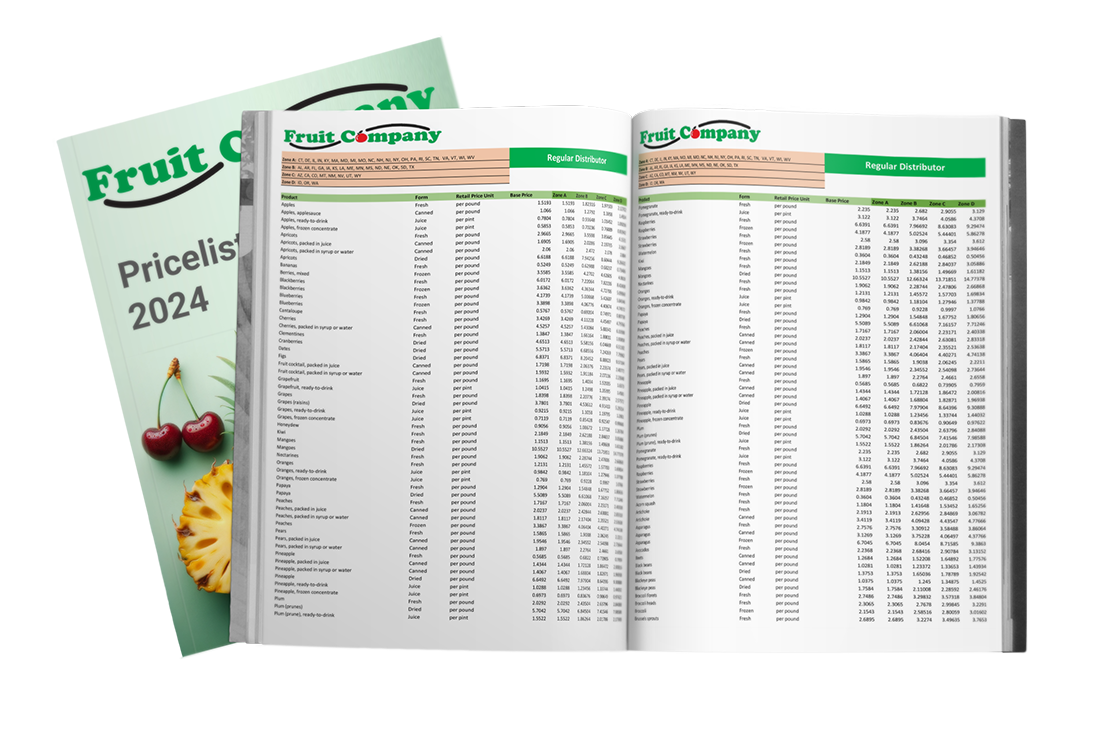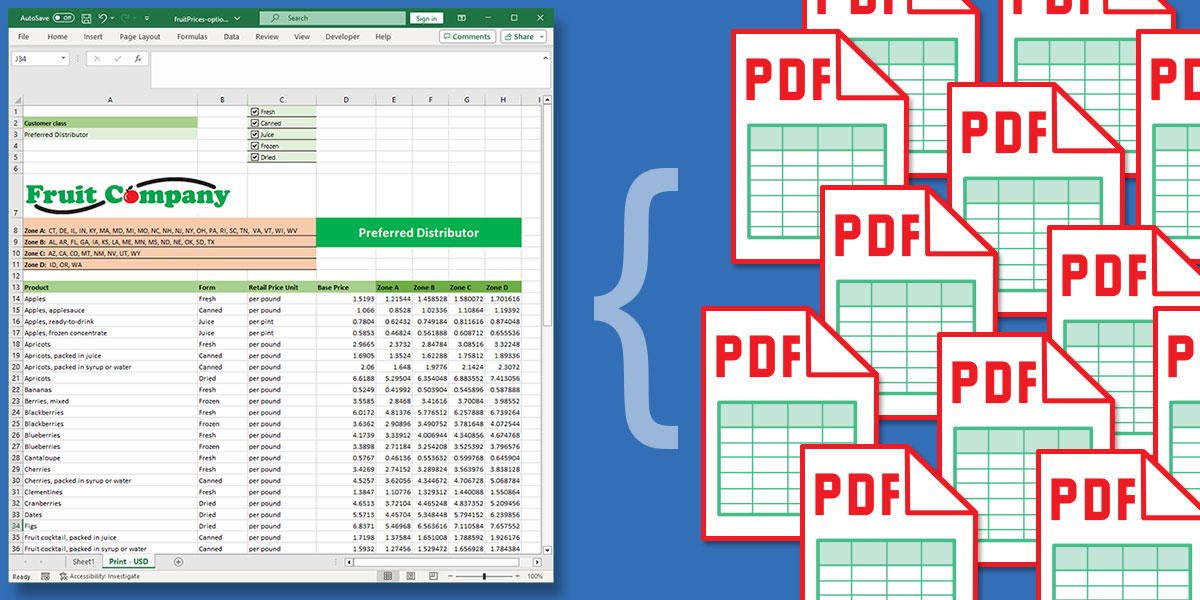
In today’s fast-paced business environment, companies face the challenge of efficiently delivering up-to-date price lists to their diverse customer base. Each customer’s requirements vary, necessitating tailored pricing solutions. Making manual price list generation becomes a cumbersome and error-prone task.
This article presents an innovative solution that simplifies the process that create multiple PDF files from Excel, saving valuable time and reducing the risk of errors. By automating the selection of options within Excel and streamlining the PDF export process, companies can drastically improve the efficiency of their pricing updates.
Pagination developed a solution, which not only aligns with the companies’ unique needs but also showcases the power of automation in handling complex Excel spreadsheets. From understanding data inputs to coding rules, and exporting PDFs, this article provides an interesting approach to transforming a tedious manual task into a seamless, automated workflow.
Contents
- The problem: It takes too long to create PDFs from Excel
- Solutions
- Pagination’s approach: Create multiple PDF files from Excel at the same time
- Conclusion
The problem: It takes too long to create PDFs from Excel
Let’s imagine a company that wants to send their up-to-date prices to their customers. The list of customers can vary, and each customer has a price list tailored to them. Each price list can change the product offer, and the prices are based on the customer’s nation or the customer class (e.g. Preferred distributor).
The logic to calculate the prices and offers is made in Excel where there are multiple tabs, and each tab can have multiple choices, list values, and checkboxes. The selection of the options automatically updates the prices in their cells.
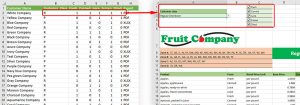
A secondary data file contains the customer list and all the “rules” to set to output the correct price list.
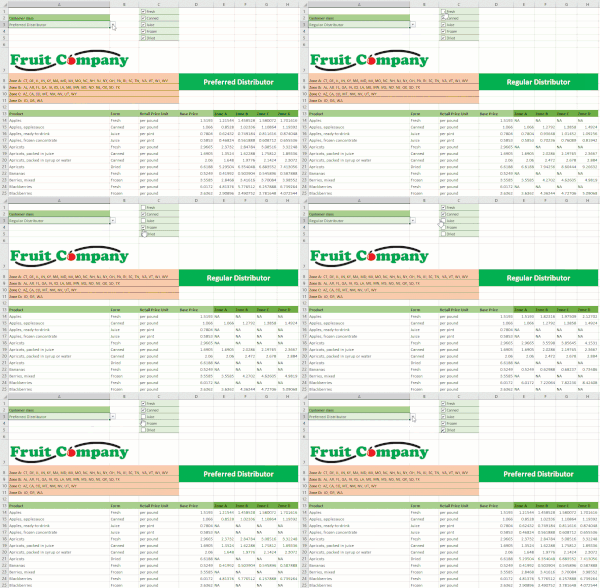
At the moment, the export of the pricelist is done manually, and it becomes a very tedious and prone to error task. An employee reads the rules and based on them sets up the main Excel, and exports it in PDF format. This procedure is repeated for each customer, roughly 100, and can take days because it is easy to make mistakes, and when it happens, they need to re-export the files.
Price list updates are made quarterly, and this procedure is repeated at least three times a year.
This company would like to streamline the production of price lists for their customers while maintaining the input files as is. They hope to find a solution to automate the last tedious part: the selection of the options in Excel, based on the “rules” file, and the export in PDF format.
Solutions
While the specific details of the challenge described in our case study may vary, one issue remains consistent: there isn’t a built-in function to create multiple PDF files from Excel simultaneously. This limitation often poses difficulties for users aiming to efficiently export their data.
To address this, we’ve explored a couple of potential solutions:
VBA Macros
| Pros | Cons |
|---|---|
|
|
Excel-to-PDF Add-in
| Pros | Cons |
|---|---|
|
|
Pagination’s approach: Create multiple PDF files from Excel at the same time

Pagination has innovatively streamlined the creation and export of price lists. With a keen understanding of company-specific needs, our solution harnesses cloud-based servers to transform the files provided by the company into accessible exports.
Benefits for Our Customers
- Simplicity at its Best: Forget about the intricacies of coding or navigating complex procedures.
- Instantaneous Processing: Upon uploading input files to Pagination’s web app, the creation process kicks off. Within minutes, customers receive an email notification with a link to download the export. This rapid turnaround is a game-changer, especially when juxtaposed with manual methods that could span days.
Behind the Scenes: A Glimpse into Our Workflow
- File Structure Comprehension: A deep dive into the structure and functionality of input files ensures we offer a robust solution.
- Algorithm Development: Leveraging coding languages such as JSON, Python, and Javascript, we’ve crafted a workflow that:
- Interprets the rule data file.
- Implements rules on the primary data file—think of it as intuitively selecting items from a dropdown list or checking a box.
- Refines the data by removing superfluous rows.
- Exports the results, factoring in the print area of each sheet.
- Seamlessly zips and syncs the exports, making them ready for customer download.
Pagination’s tailored approach ensures that the setup is perfectly aligned with client needs, promising efficiency, and precision at every step.
Conclusion

In the relentless pursuit of operational efficiency, businesses often encounter complex challenges that demand creative solutions. The dilemma of producing dynamic price lists tailored to individual customers while maintaining accuracy and speed in a highly manual process is one such challenge.
This article presents a transformative solution, brought to life by Pagination, that exemplifies the potential of automation. By automating the export of price lists from Excel to PDF files, companies can save countless hours, reduce the risk of errors, and enhance the overall customer experience.
Projects like this allow Pagination to widen their area of expertise from automating InDesign templates using Javascript, to automating Excel spreadsheets using Python.
Automation isn’t just about saving time; it’s about empowering teams to focus on value-added tasks while leaving the repetitive and error-prone processes to machines.
In a world where efficiency reigns supreme, embracing automation may be the key to unlocking new possibilities and staying ahead of the competition. Pagination’s innovative approach serves as a beacon, guiding us toward a future where technology and human ingenuity combine to create solutions that truly transform the way we work.