
DS18
DS18, a US car audio brand, automated its product catalog on Pagination, generating it from its product data instead of laying out each page by hand.
A new edition now comes from the data rather than a manual rebuild.
Pagination automates aftermarket parts catalogs, product catalogs and price lists for automotive manufacturers and distributors.
With one data source and one InDesign template, every product line, brand and market version is generated automatically as print-ready PDF, packaged InDesign or editable Excel output, with fitment and pricing placed straight from your data.
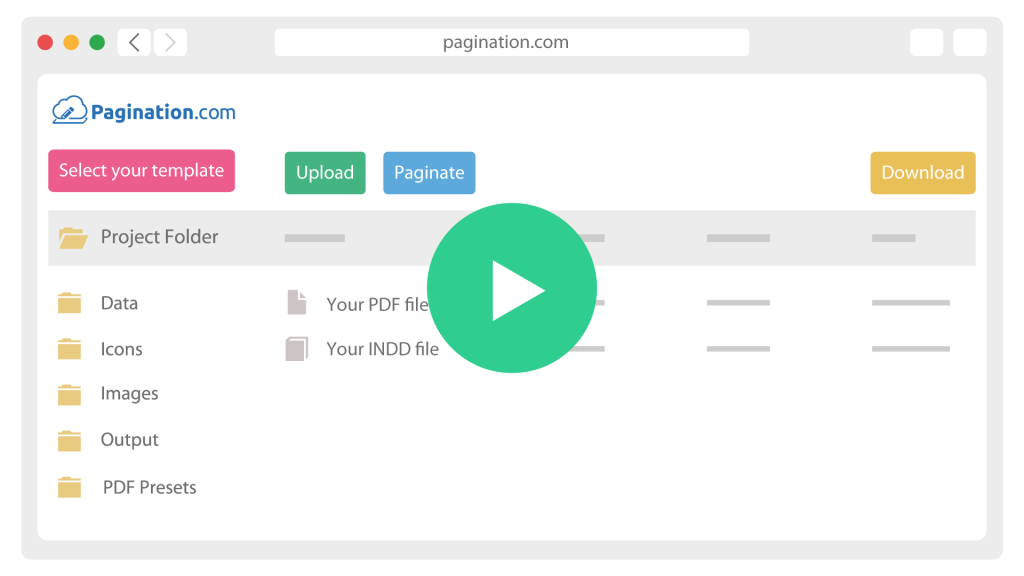




Generate the catalog and price list
One InDesign template builds each product line, brand and market, placing application tables, specifications and product images automatically.

Publish, price and archive
Export print-ready PDF, packaged InDesign or Excel, apply trade and dealer pricing from the data, and keep every edition archived by date, brand and market.
An automotive parts catalog is not a simple product list: each part has to show what it fits, the range runs to thousands of SKUs, and it is reissued constantly. Pagination is built for database publishing, where parts data, fitment rules and InDesign templates work together.

A part is only useful in a catalog if the reader can see the vehicles and assemblies it fits, plus the OE and cross-reference numbers that match it. That application data drives grouping, sorting and the fitment table on the page. Pagination builds application and cross-reference tables from your data, so each part prints with the fitment it actually applies to.
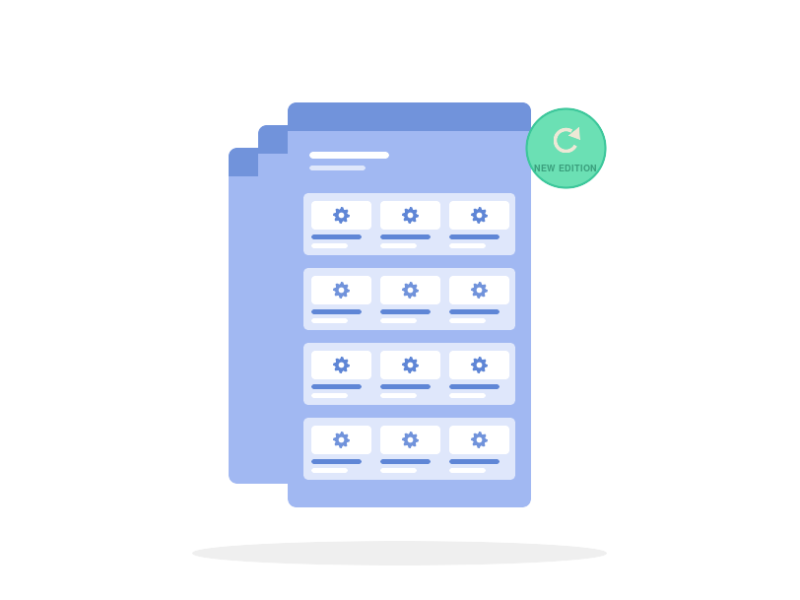
Aftermarket ranges are large and move often: new references, superseded parts, price changes. Rebuilding a catalog of that size by hand does not keep up. Pagination generates the whole catalog from the source, so a new edition is a regeneration step rather than a manual rebuild.
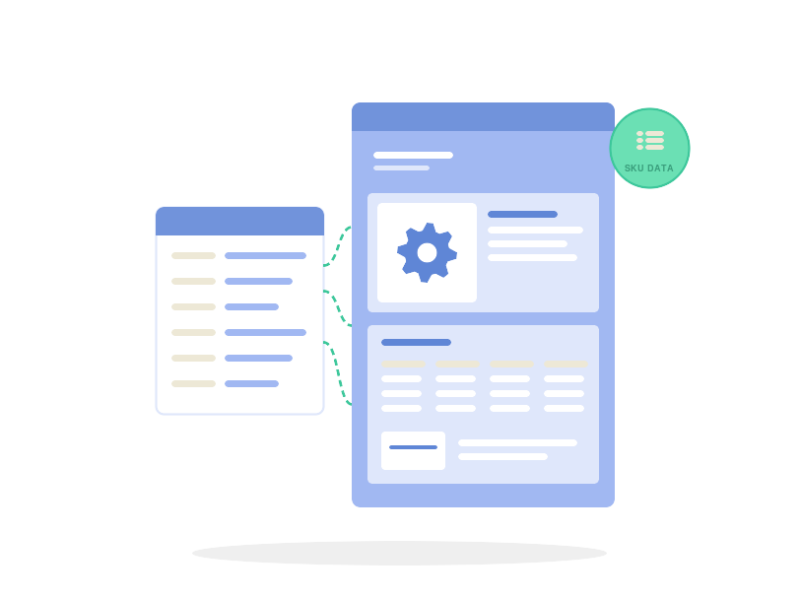
Part numbers, dimensions, specifications and product images differ by SKU and must match the source exactly. Retyping them into the layout is where wrong references and outdated images reach print. Pagination places specifications and cross-references as data-driven fields and images as linked per-SKU assets, so when the record changes, every document follows.
DS18
DS18, a US car audio brand, automated its product catalog on Pagination, generating it from its product data instead of laying out each page by hand.
A new edition now comes from the data rather than a manual rebuild.
An automotive SKU carries part numbers, fitment, specifications, cross-references, images and market-specific pricing. The same record feeds a parts catalog, a product catalog and a price list, each with its own layout rules.
| Need | Pagination workflow |
|---|---|
| Aftermarket parts catalog | Generated per product line and brand from a single dataset |
| Vehicle application and fitment | Application tables built from the data, per part |
| OE and cross-reference numbers | Placed as data-driven fields, matched to each part |
| Multi-brand ranges | One template across brands, each brand’s data normalized to it |
| Trade and dealer pricing | Apply a global or per-category coefficient to the base price per tier |
| Specifications and dimensions | Parametric tables built per product family |
| Images and exploded diagrams | Linked per-SKU assets placed automatically |
| Multi-language, multi-market editions | Localized catalogs and price lists from one shared template |
| Print, packaged InDesign or Excel | Print-ready PDF, packaged InDesign or editable Excel from one run |
| Scheduled or on-demand output | Regenerate on each data update, or through the API |
Share a few details and a Pagination specialist will show you the platform working on parts catalogs and price lists like yours.