If you are reading these lines, it is probably because you are looking for a quick and precise way to create your product catalog. But let’s start with the basics.
If you are reading these lines, it is probably because you are looking for a quick and precise way to create your product catalog. But let’s start with the basics.
The product catalog can be understood in various ways:
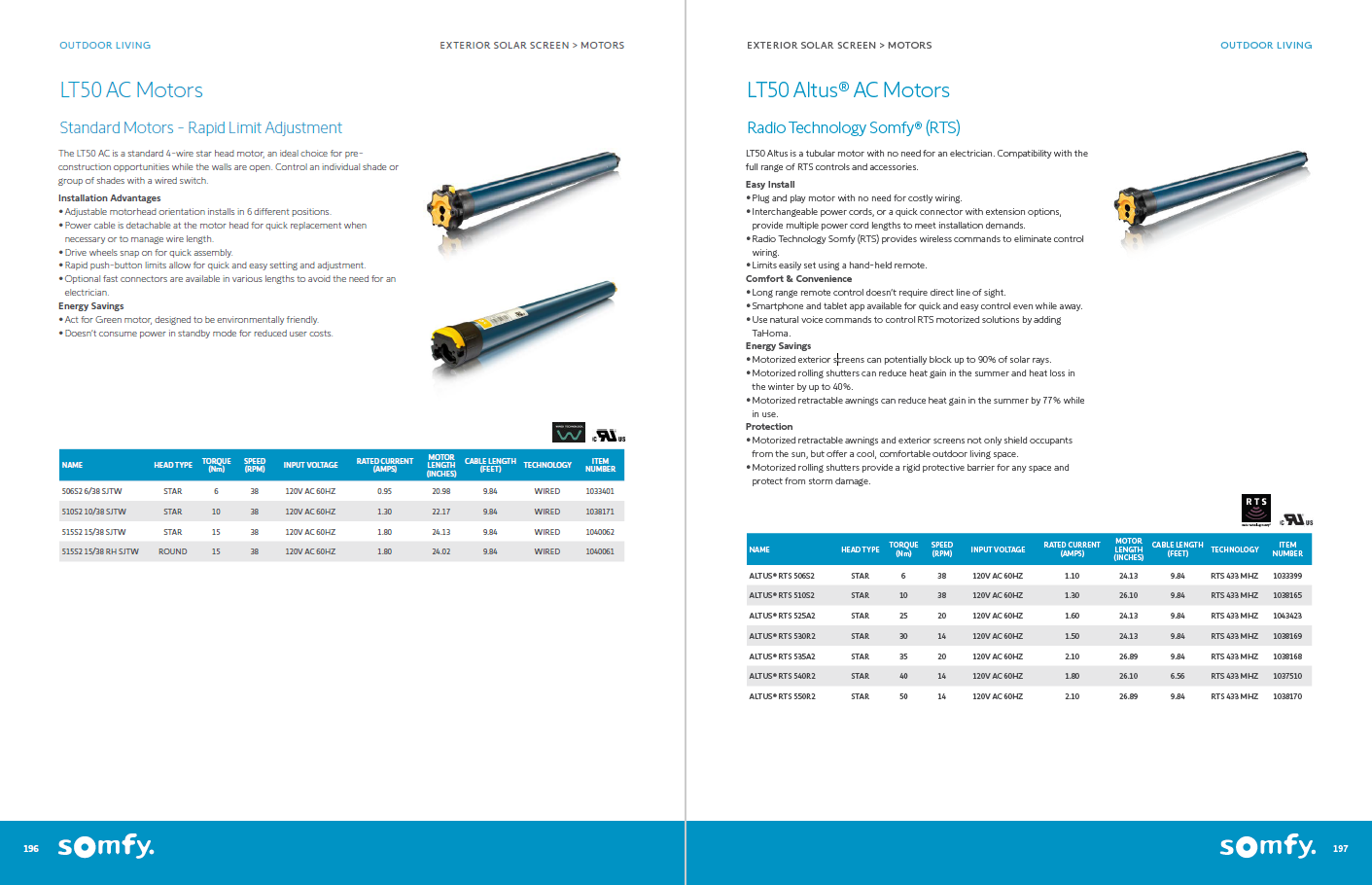
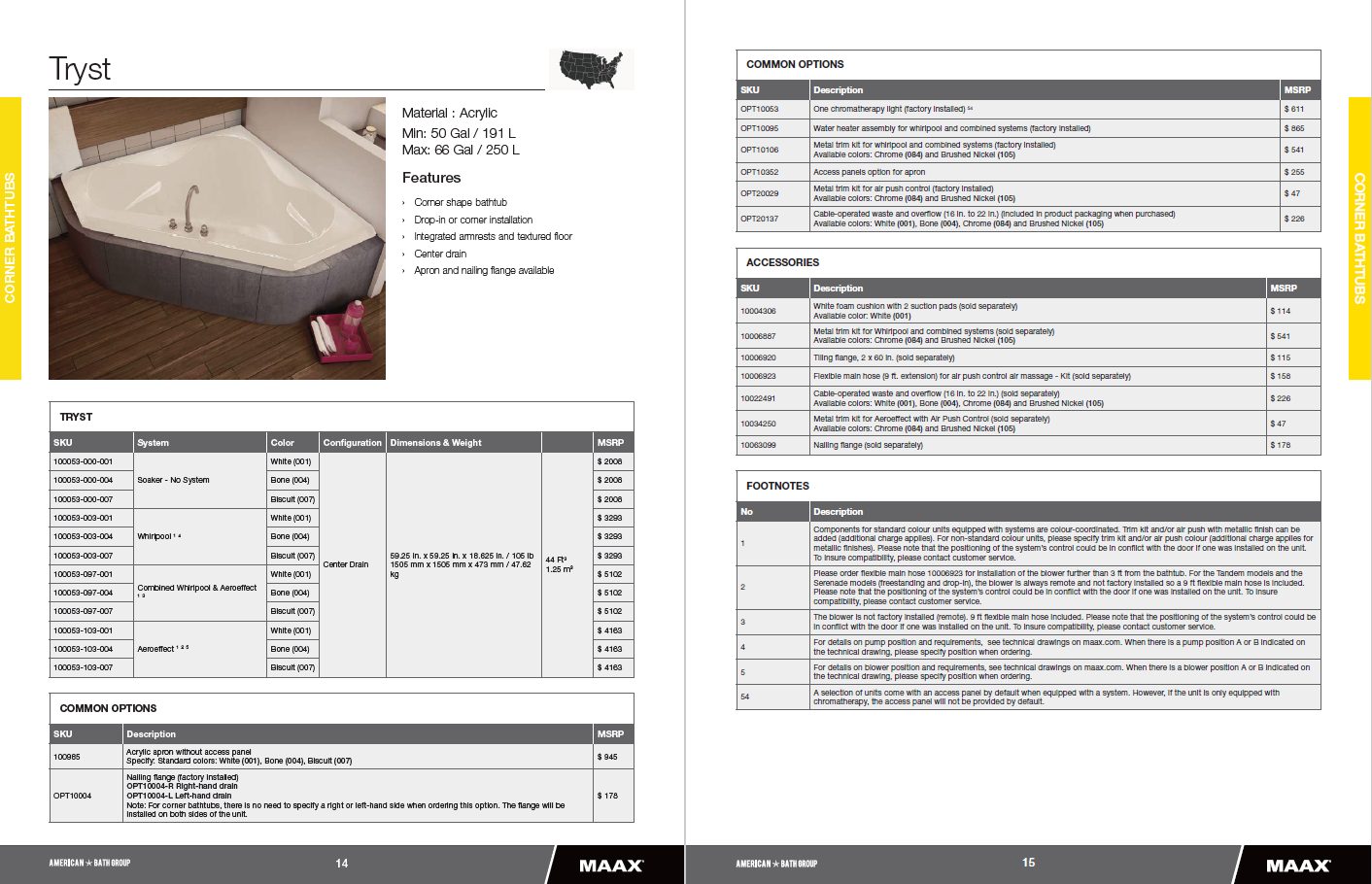

The basic elements to automatically create a product catalog using a product catalog generator are as follows:
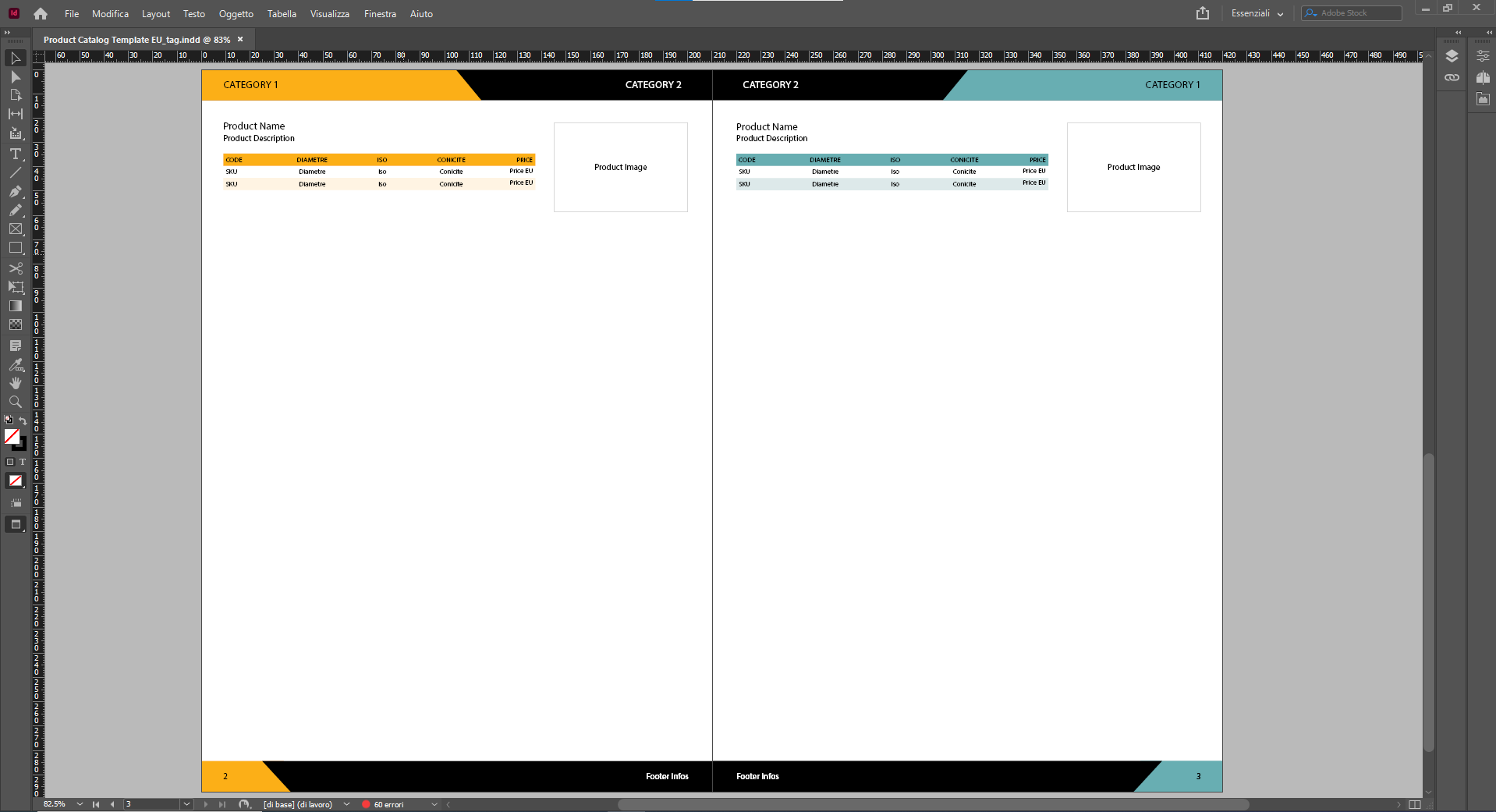
A template, usually in Adobe InDesign format. By template, sometimes also called layout, we properly mean an InDesign file (INDD or IDML format) that contains the specifications related to the design of the document to be created. The basic elements that make up the template are:
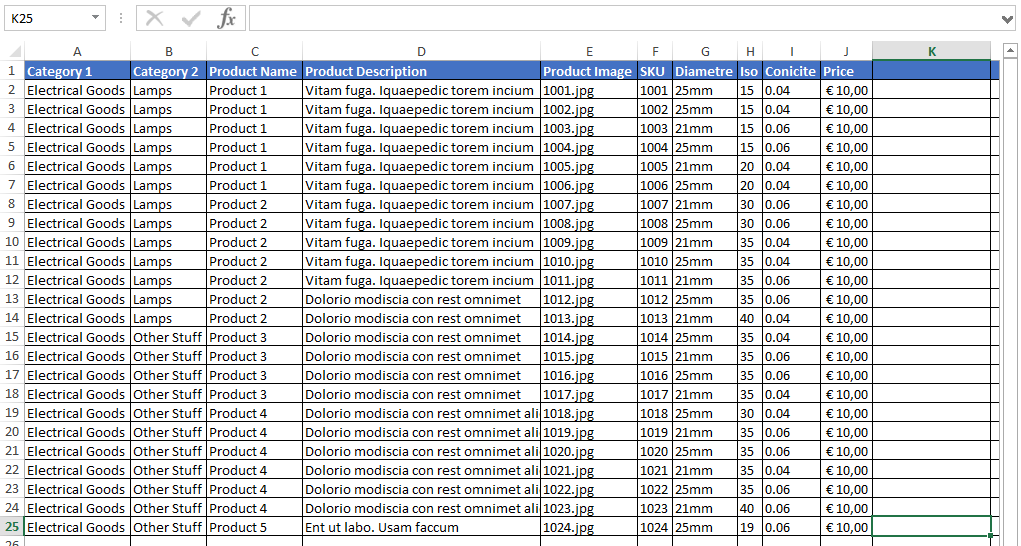
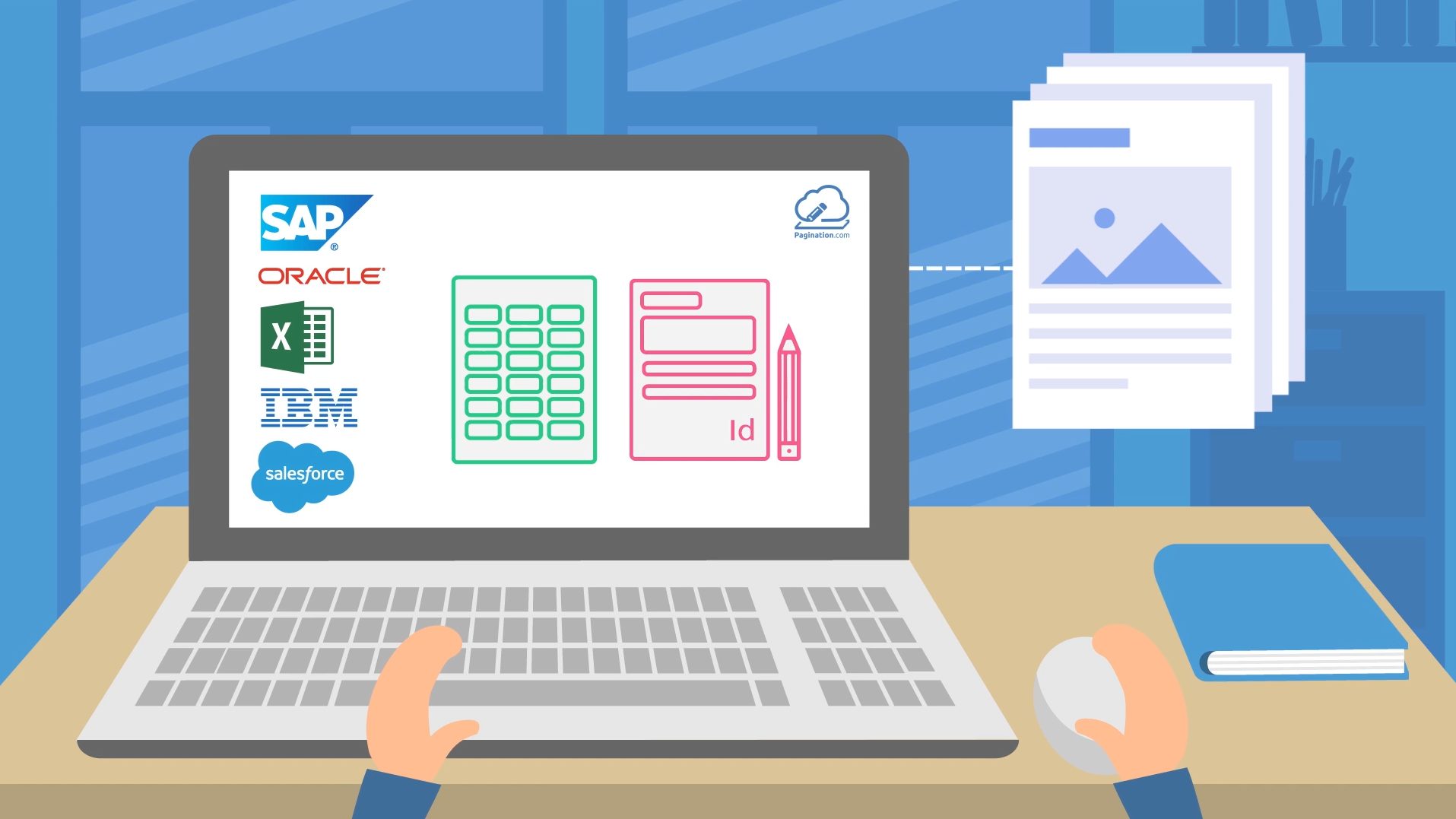
The data file is the document that contains all the information that you want to transfer into the document. Using a product catalog generator, such as Pagination, it is also possible to manage different data files simultaneously. For example, an export from the ERP, containing the following fields: the item number, description, and price, and an export from a PIM containing all the other characteristics of the products. Using a powerful data integration system, the product catalog generator will fetch the information from both data files and layout them in the InDesign file.
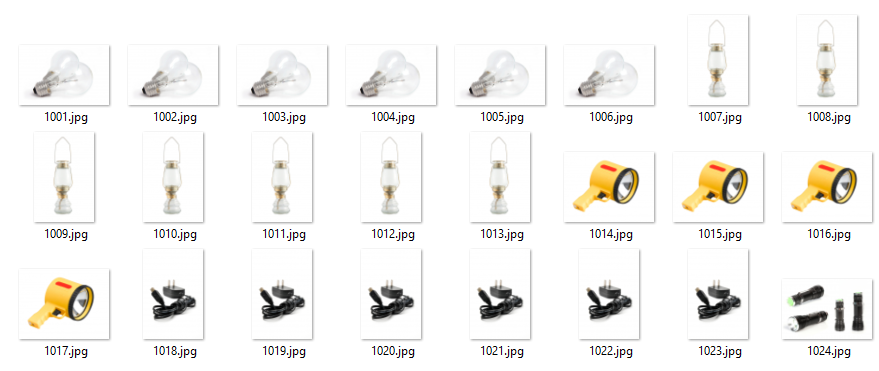
The last element, which is used to automate the creation of a document, are the assets, i.e. product photographs, technical drawings, set photos, icons, supplier logos, etc. These elements can be in different formats:
Below you will find the list of all files that can be imported from InDesign: https://helpx.adobe.com/indesign/kb/supported-file-formats-indesign-cc.html
If you use Pagination, the product catalog generator, you can import assets in two ways:
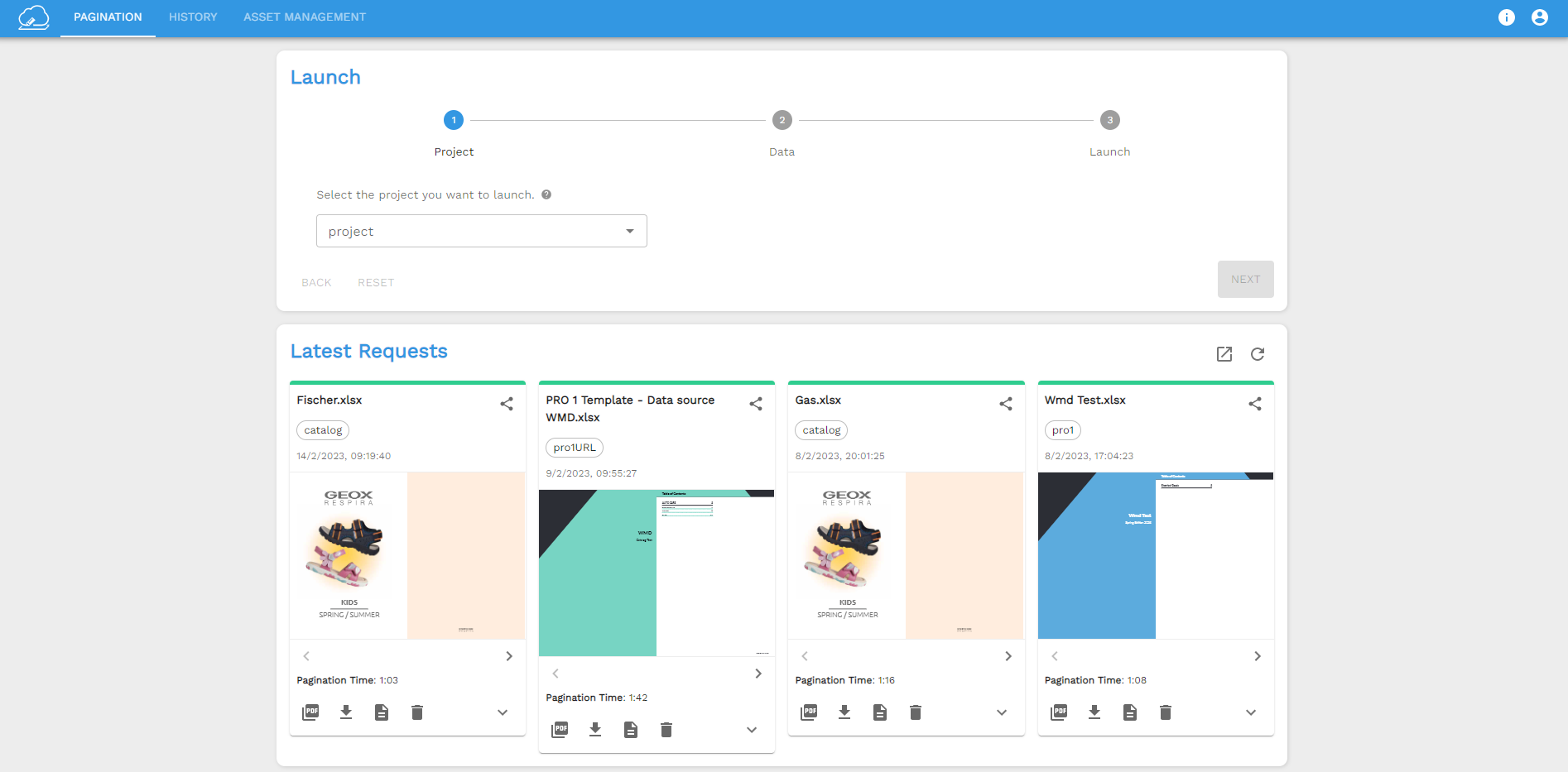
Pagination’s product catalog generator is super easy to use. First of all, it is a cloud service, that is accessible from any browser and from any operating system, 24/7. You don’t need to install any software and you don’t need to update it. Pagination is always ready and updated to the latest version. The only thing needed is an internet connection!
As for the actual use, the interface is really intuitive and user-friendly. Just follow the project steps to create your own document. The steps, which are customized according to the customer’s needs, are at least three:
Further steps can be added which allow, for example:
Once you click on the “Launch” button, the product catalog generator will automatically create both an InDesign package file, containing the INDD files, the INDB file (InDesign book file), the fonts, and the links (assets), and two PDFs, one for printing with margins and bleeds and high-resolution images, and one for the web with low-resolution images.
The user who is creating the document will receive two emails, the first will inform that the process has been successfully started, the second email will contain a link to automatically download the newly created documents.
Pagination also checks the data file for duplicate codes, missing or incorrectly named fields, missing images, etc. This type of control can be implemented on the basis of customer needs.
Once the document has been created, you will be able to:
The advantages of using a generated product catalog, such as Pagination, are as follows:
Pagination is a product catalog generator that is built based on data and the InDesign template provided by the customer. For this reason, there is no free trial.
What you can do, however, is test the functioning of Pagination, following these simple steps:
1. Click here and fill out the form with your data. In the last field write FREE TRIAL REQUEST. Then just click the green “contact us” button and you will receive an email at the address you entered.
2. Download one of the following templates https://pagination.com/template/professional-edition/
3. Fill out the Excel sheet with your product information. You will find a PDF guide on “How to fill in the Excel sheet”.
4. Once the data file is ready, reply to the email you received (after completing step 1) indicating:
5. Within 24 hours (weekends excluded) we will send you the PDF created with your data or we will show it to you during a web meeting as you like.
Publishing a catalog is a challenging task that can put pressure on even the best marketing teams.
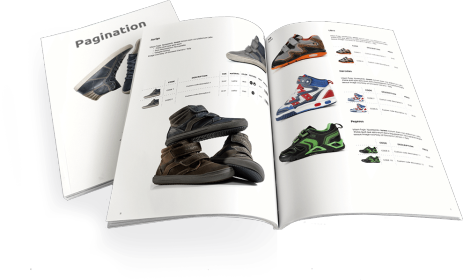
You can use Pagination, the Product Catalog Generator to automatically create beautiful documents in just a few seconds that are always ready for print or digital distribution.
 Watch demo
Use one of our free InDesign Templates or upload your own layout. Create documents anytime and from anywhere.