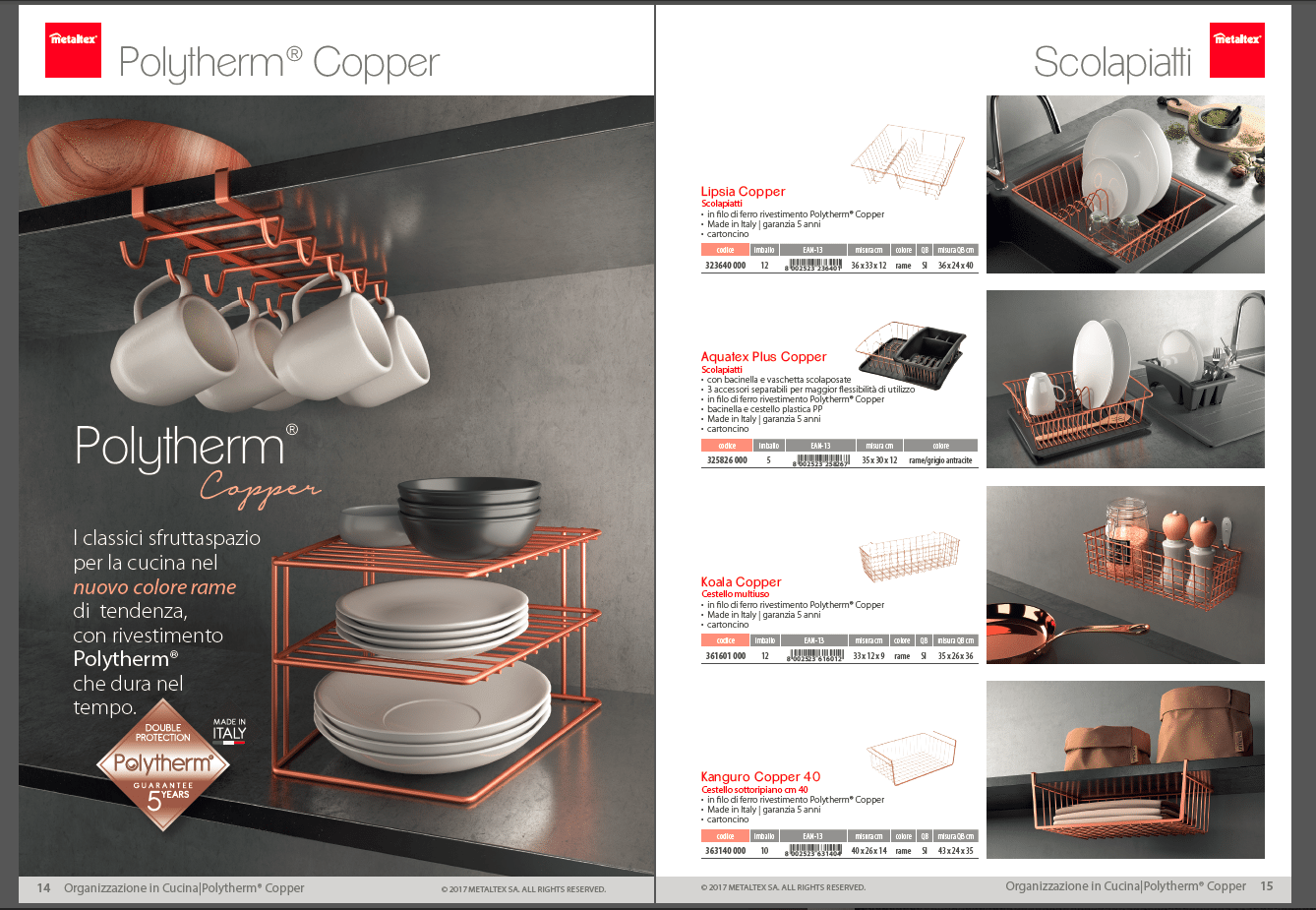
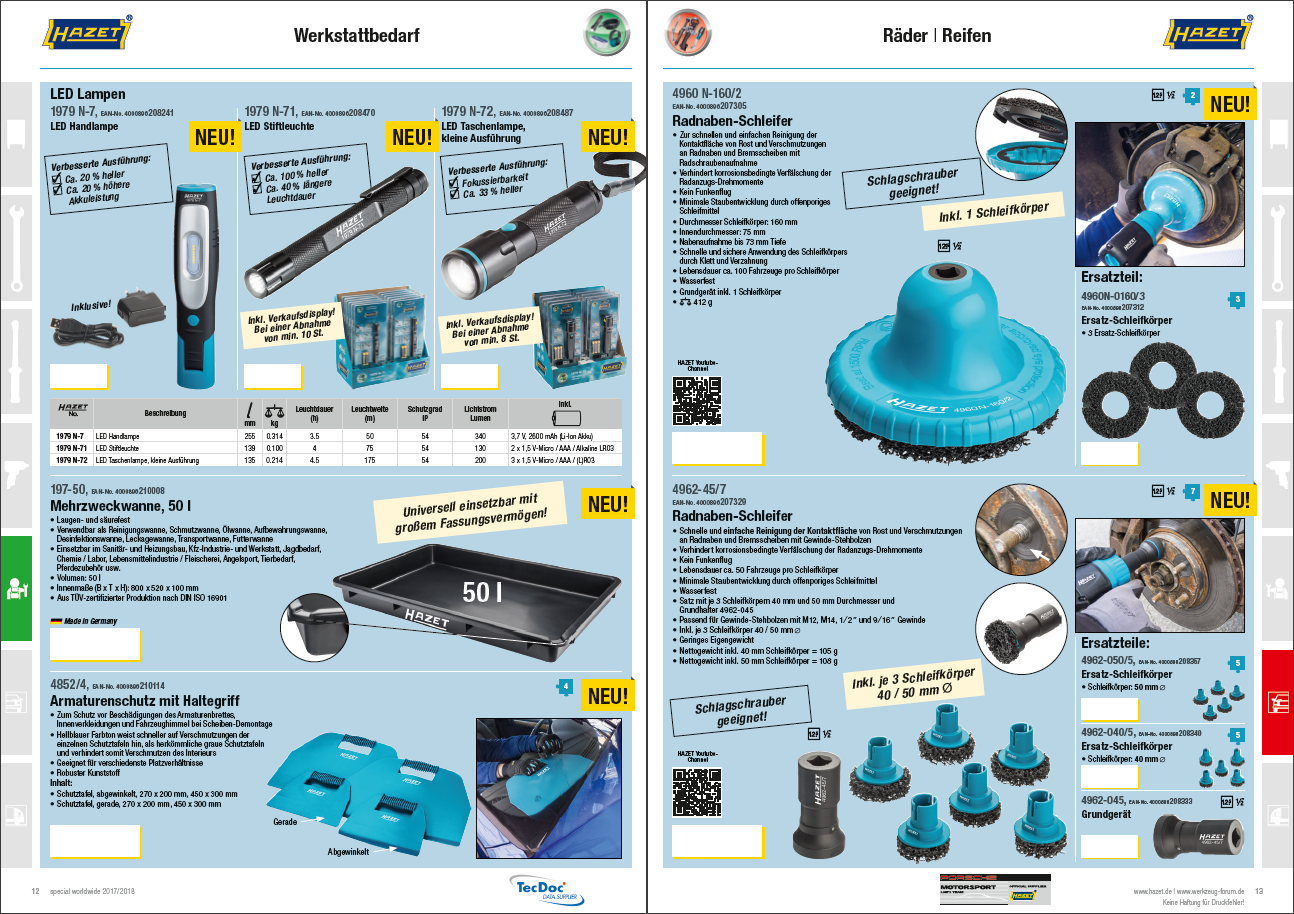
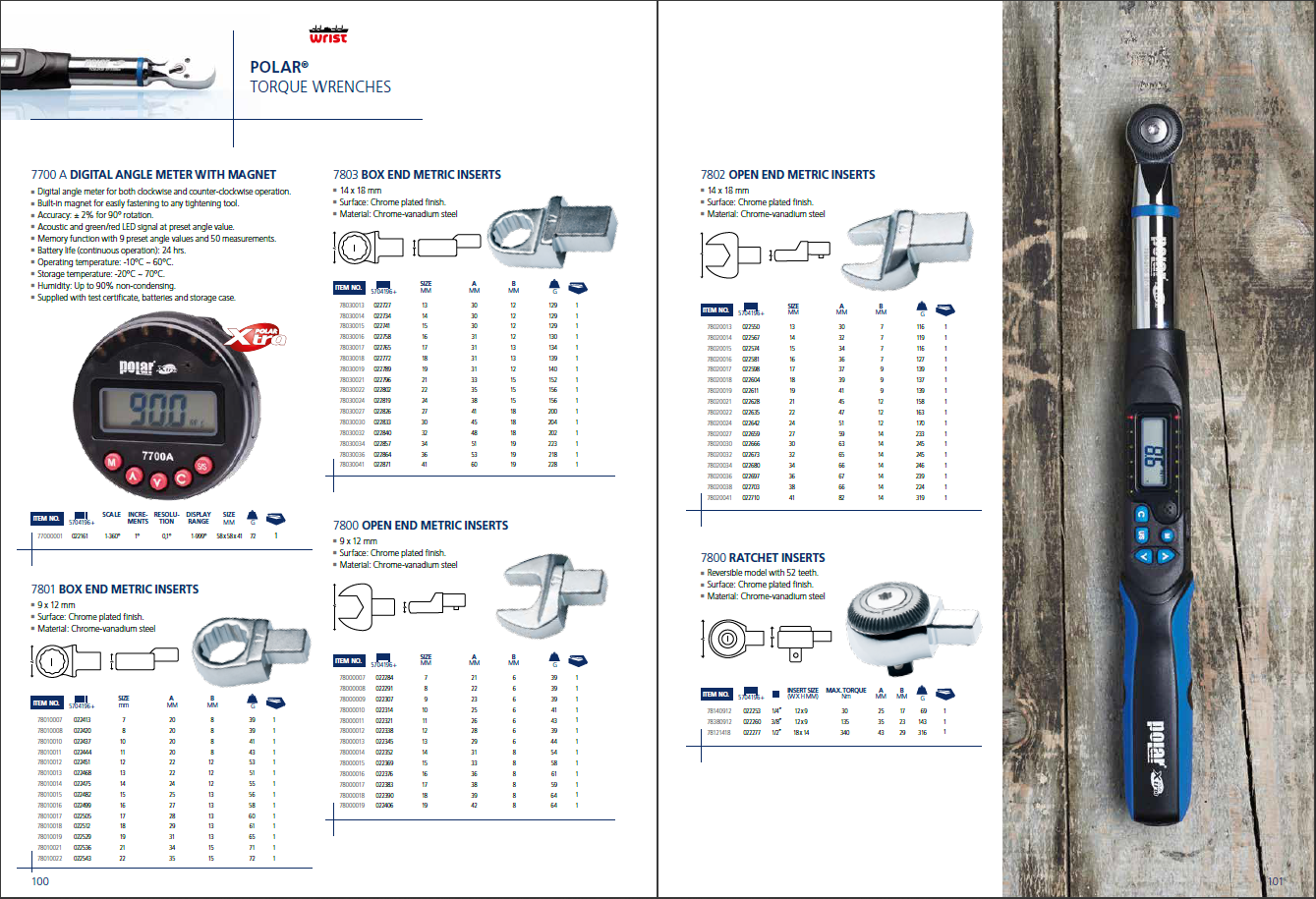
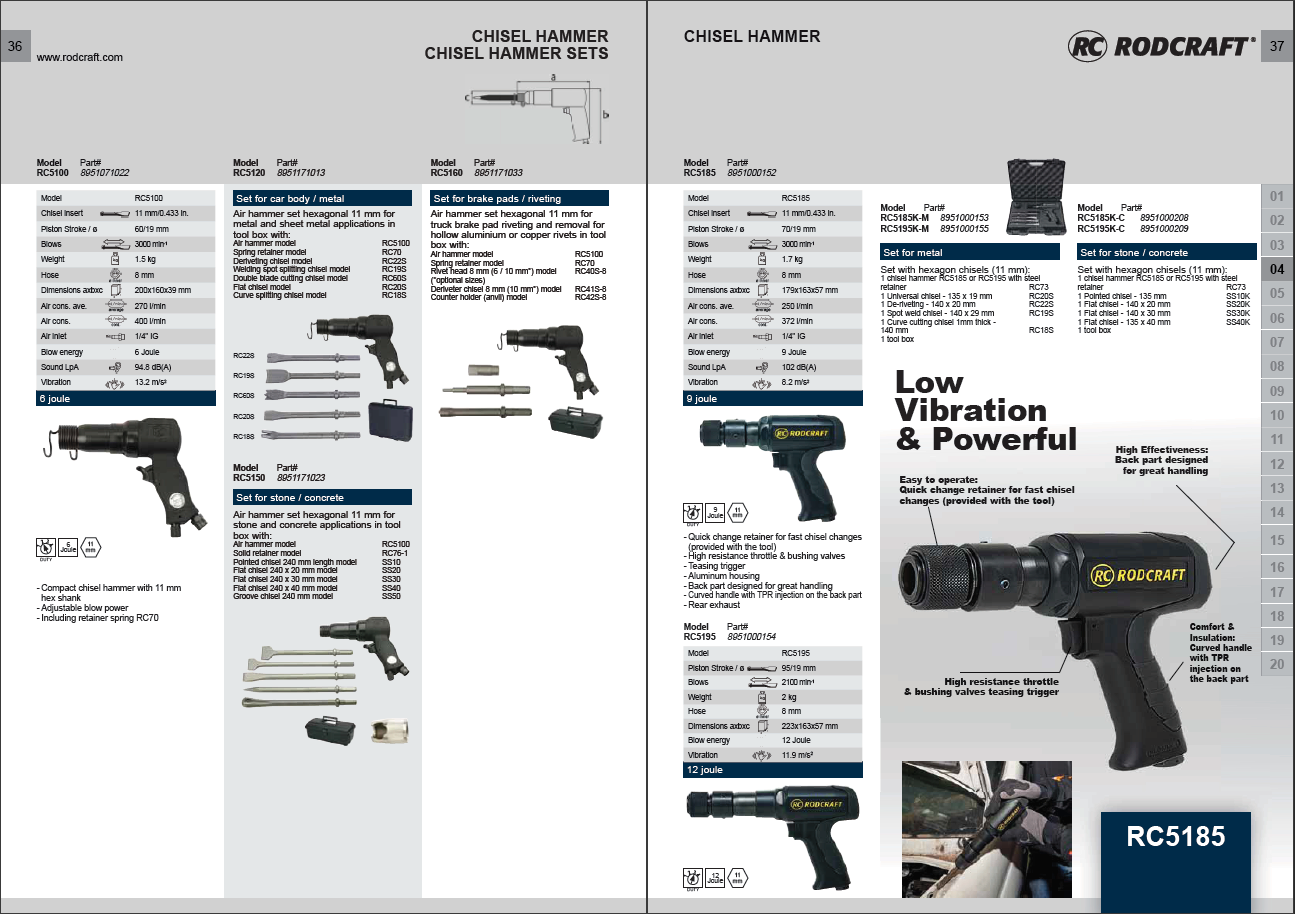
Your product data already lives in Salsify: structured, governed, and up to date. Turning it into a printed catalog is usually where the work starts over, with exports, spreadsheets, and someone rebuilding pages in InDesign by hand.
Pagination closes that gap. The integration runs directly on the Salsify API: product data flows from Salsify into Pagination, which generates print-ready catalogs, price lists, and product documents in Adobe InDesign, and can write the finished files back into Salsify as assets.
The division of labor stays clean. Salsify governs the product content; Pagination turns it into complex, on-brand documents without manual layout in between.
Salsify: a Leading PIM for Structured Product Content
Salsify is one of the leading product information and experience management (PIM/PXM) platforms. It gives product teams a single, governed source of truth: structured product data, a parent-child model with attribute inheritance, rich category management, and managed digital assets. Behind all of it sits the data quality and syndication depth that enterprise catalogs depend on.
That rigor is exactly what automation needs. A document is only as accurate as the data behind it. Because Salsify keeps product content clean, complete, and well structured, what Pagination generates from it is correct by default.
It shows in who uses it. Salsify is trusted across CPG, B2B manufacturing and distribution, fashion, and medical devices in North America and Europe: precisely the segments where catalog and price-list production is high-volume and high-stakes.
How the Salsify to Pagination Integration Works
The connection runs entirely through the Salsify API, no channels, workflows, or manual exports to maintain.
- Connect. A customer provides their Salsify Organization ID and an API key (generated under API Access). Both are entered once, in Pagination’s integration settings.
- Generate. From Pagination, the user selects the project, the cover, and eventually the options, then launches. Pagination calls the Salsify API, triggers an export, waits for it to finish, and downloads the data.
- Paginate. The data is mapped to the customer’s InDesign template, the fields are tagged, and the document is produced through Pagination’s standard flow.
- Sync back (optional). Optional, and decided per run. When it is enabled, Pagination writes the finished output into the product’s asset section in Salsify, so generated files live alongside the content they came from.
Because it reads the API rather than a flat export, the integration respects Salsify’s data model as it is: multi-level product hierarchies keep their attribute inheritance, categories stay distinct from the hierarchy, and assets are pulled per product.
One thing to plan for. Before the first run, Pagination configures your InDesign template and maps your PIM data onto it. That setup typically takes 10 to 15 business days. Once it is done, generating a document is a matter of minutes.
Where Pagination Adds Value to Salsify Catalogs
Pagination takes over where documents get harder:
- Complex catalogs and price lists: long, structured documents with hierarchy-driven sections and tables of contents, well beyond a single product sheet.
- Multi-source publications: documents that combine Salsify product data with pricing from an ERP or assets held in another systems.
- Scale: high-volume production with large asset sets, where manual layout is not an option.
- POCs and demos: Pagination can produce tangible, print-ready output during Salsify evaluations.
When a single PIM is not the only source, Pagination’s custom integration work brings ERP, DAM, and other systems into the same document workflow.