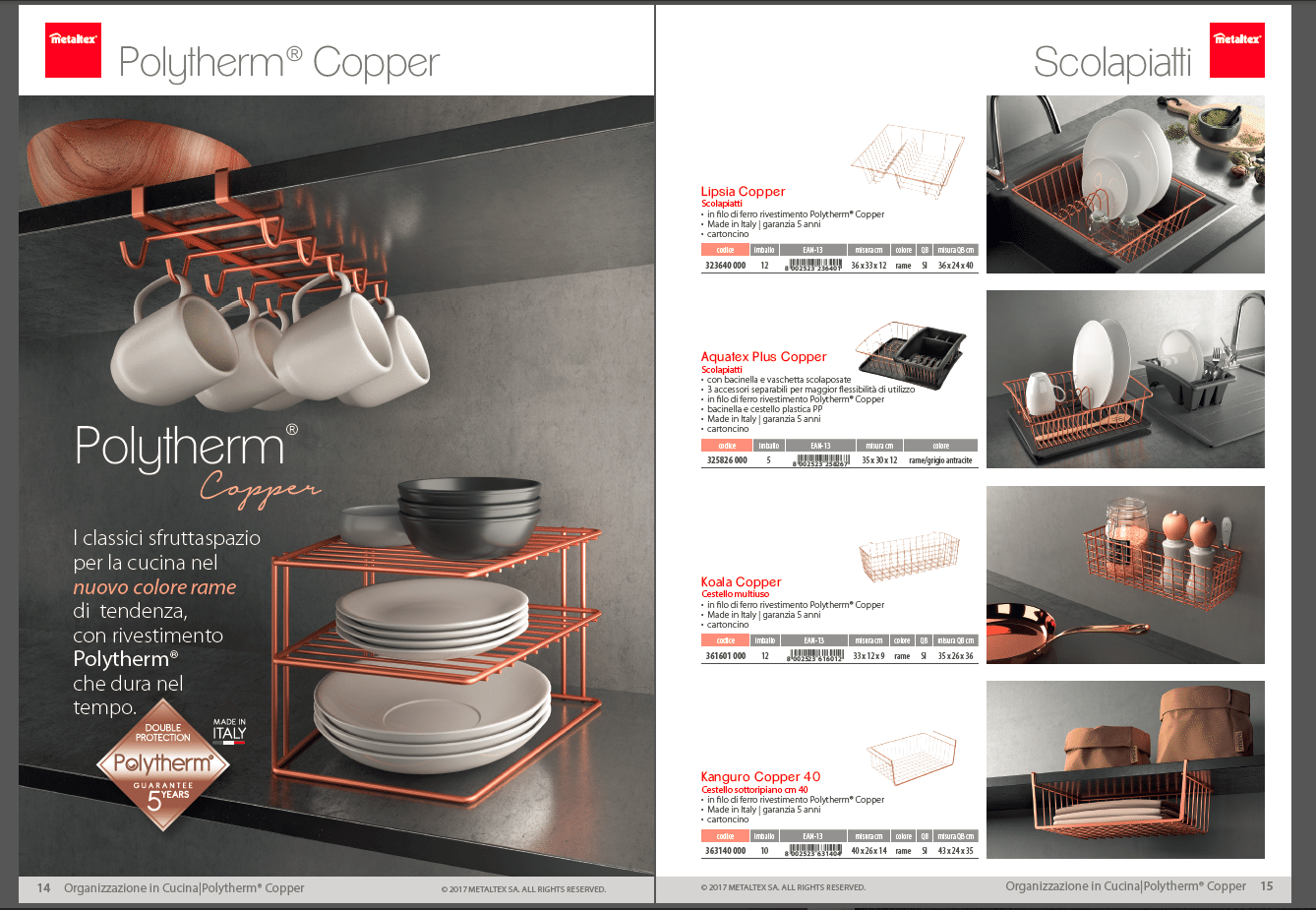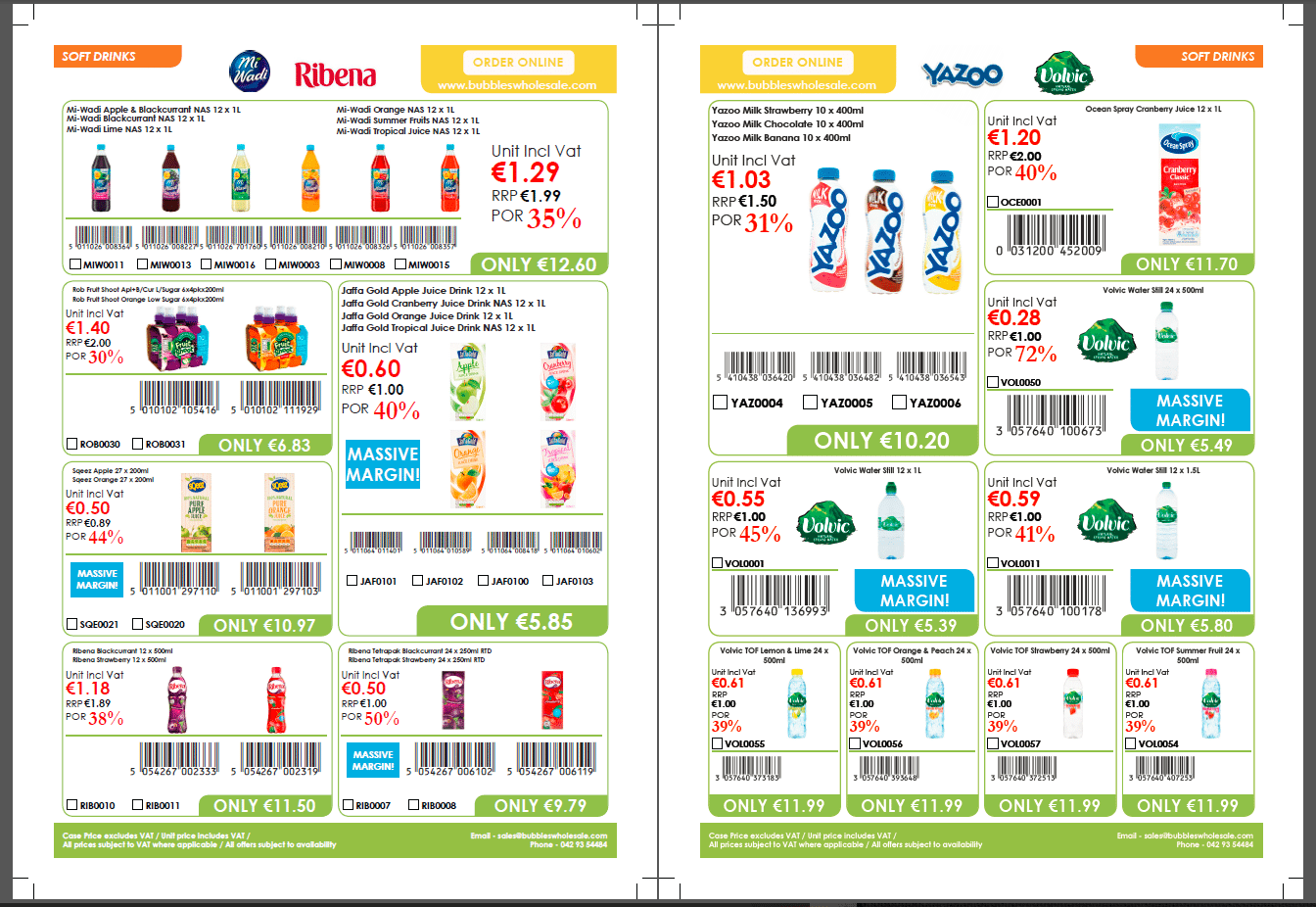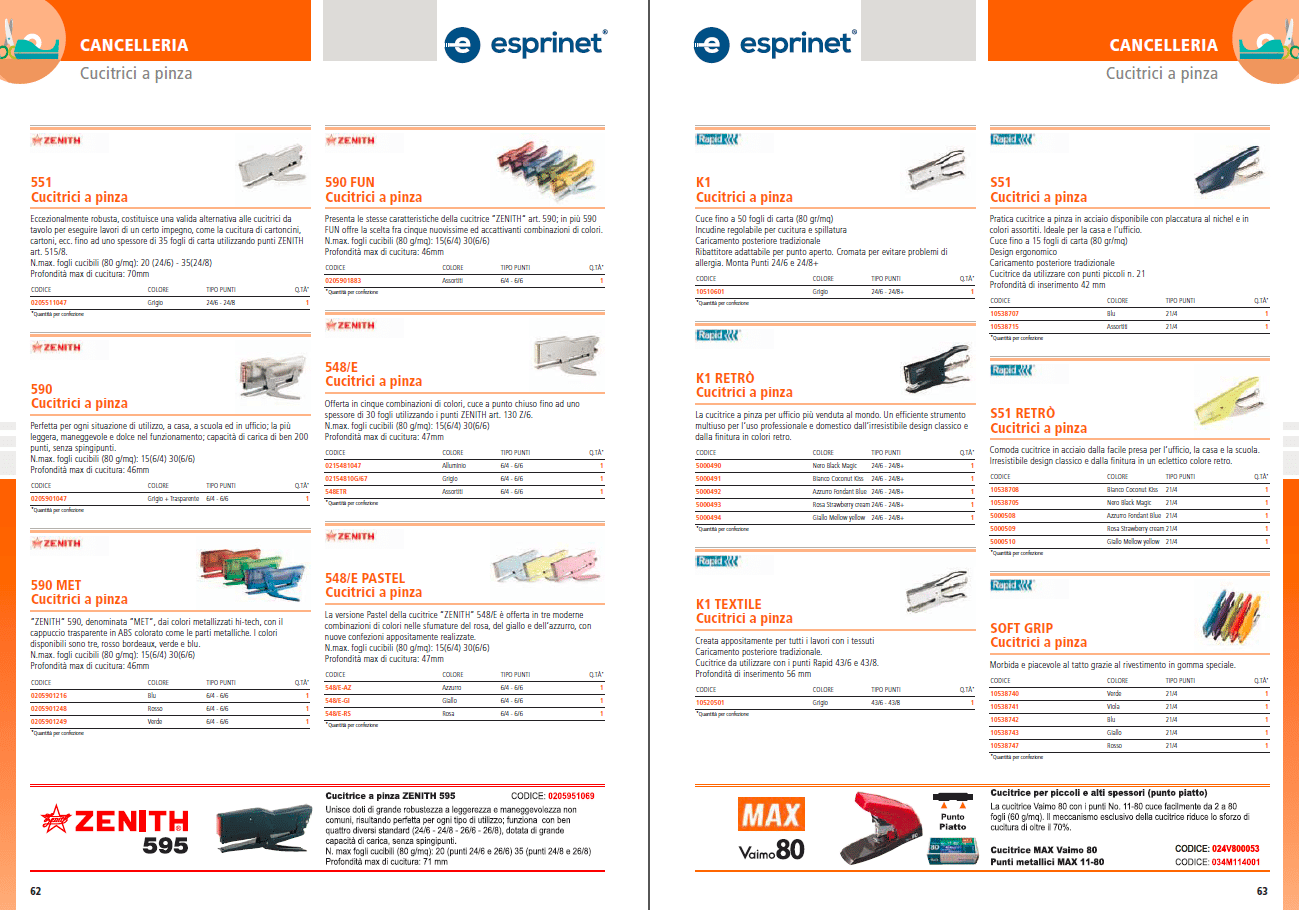
Creating a professional product catalog can be time-consuming, especially for businesses managing thousands of SKUs, whether for print or digital distribution. That’s where catalog maker tools come in. These platforms simplify and accelerate the design process, enabling companies to generate high-quality catalogs without relying solely on manual graphic design.
Catalog makers allow for various levels of automation in the catalog creation process, helping you obtain a professional B2B or B2C catalog. This feature is essential if you need to frequently update your sales material or create different localized versions of it.
There are several aspects to consider when choosing a catalog maker, such as templates, data integration, automation, and output. To help you choose the right one for your business, we’ll explore the best catalog maker tools for 2025 and highlight their key features.
What Is a Catalog Maker?
A catalog maker is a digital tool that enables users to design, manage, and export product catalogs efficiently. These tools can be used by marketing teams, eCommerce managers, sales departments, and product specialists to create visually appealing catalogs for print, web, or mobile.
Who Uses Catalog Makers?
Catalog makers are used by:
- B2B manufacturers and distributors managing large inventories.
- Retail and eCommerce businesses needing frequent updates.
- Sales teams who require tailored catalogs by region, customer, or language.
- Marketing departments producing seasonal or promotional catalogs.
Key Features to Look for in a Catalog Maker
The catalog makers available on the market usually focus on different features. Depending on your needs, you should evaluate software based on the following capabilities, understanding which ones are essential for your business:
Template Customization
Choose tools that allow you to start with ready-made layouts or build your own with full control over fonts, colors, and brand elements. Some tools also allow you to start with an InDesign template you already use without creating one inside the app.
Data Integration (CSV, Excel, ERP, PIM)
A catalog maker should support the import of structured data from spreadsheets, databases, and PIM systems in order to automate the content population. This feature is essential if you want to avoid copying and pasting data and accelerate the creation of your catalog.

Image Handling and Media Management
Look for platforms that offer drag-and-drop image placement, autoscaling, and support for high-resolution media. Some tools also offer advanced features, such as automatically removing the background or adjusting the content length or placement to adapt to the image size, or vice versa.
Output Formats (PDF, Flipbook, InDesign)
Make sure the tool supports the format you need, such as print-ready PDFs, interactive PDFs, interactive flipbooks, or InDesign files for advanced layout control. The choice depends on your sales channel and whether you are using a digital or fully physical strategy.
Automation
The top catalog makers automate repetitive tasks such as updating prices, changing product descriptions, and generating multiple layout versions. One way to achieve this is by merging the layout with a data sheet and automating catalog creation.
Multi-Version and Multi-Language Support
If you serve different markets, choose software that allows you to create language variants or customized catalogs for each client or distributor. You can also achieve this by merging the layout with a data sheet through the catalog software.
Collaboration and Approval Workflows
Built-in commenting, version tracking, and user roles simplify cross-team collaboration and minimize errors. These features are essential when different teams or individuals are working together to create the catalog. At the same time, it is important that users can download the output and that the project integrates all their needs.

Best Catalog Maker Tools for 2025
Here are some of the most reliable and popular catalog maker tools available today, each with unique strengths depending on your business needs:
Pagination
Best for B2B companies with large datasets.
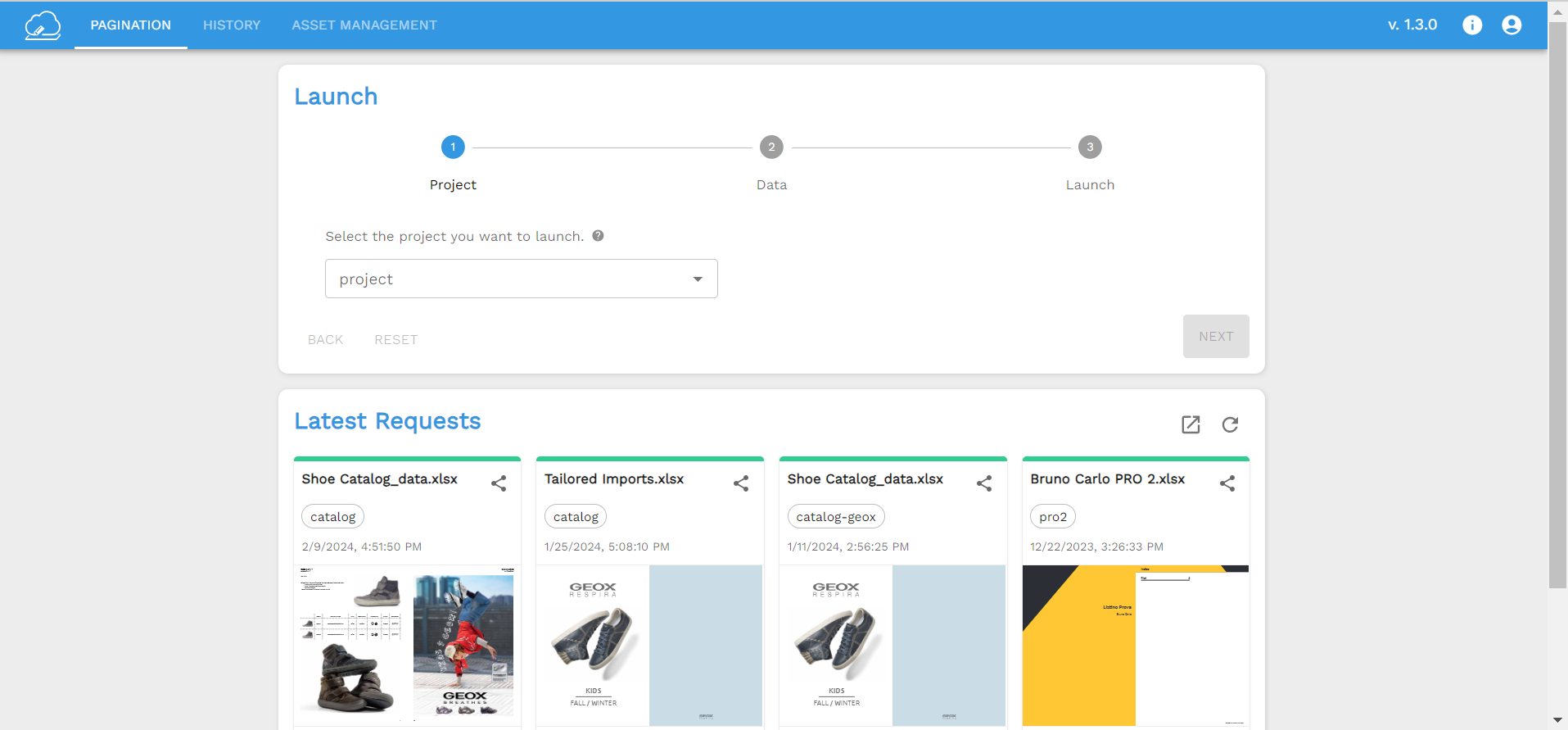
Pagination automates the creation of print and digital catalogs directly from Excel, CSV, ERP, or PIM data. It generates ready-to-use InDesign and PDF files via a cloud platform, ideal for businesses needing frequent updates, multilingual versions, or thousands of products.
Though you will find plenty of software solutions for catalog creation, the level of automation and quality delivered by Pagination is second to none.
- A leading cloud-based catalog maker renowned for its automation and quality, enabling the production of high-resolution, print-ready catalogs using Adobe InDesign.
- Pagination excels in offering custom layout flexibility, and robust image and file integration, alongside a variety of free, editable templates, catering to a wide range of document creation needs.
- You’ll be able to create print catalogs, digital catalogs, price lists, brochures, or any other kind of custom document.
- There are three plans available. Professional plan starts at $120/month.
Canva
Best for simple, visually appealing designs.
Canva provides intuitive templates and drag-and-drop functionality. While not suited for large datasets, it’s perfect for startups or small catalogs with limited products.
- A simple drag-and-drop interface for easy catalog creation in PDF, image files, and others.
- A vast library of catalog templates contains different styles, purposes, and industries.
- Thousands of templates on the free plan, including social media templates and 3+M stocks of photos and graphics.
Adobe InDesign (with plugins)
Best for advanced designers.
As the industry standard for print layout, InDesign offers full control but requires manual work unless paired with automation plugins, like EasyCatalog, or Pagination.

Catalog Machine
Best for small businesses and freelancers.
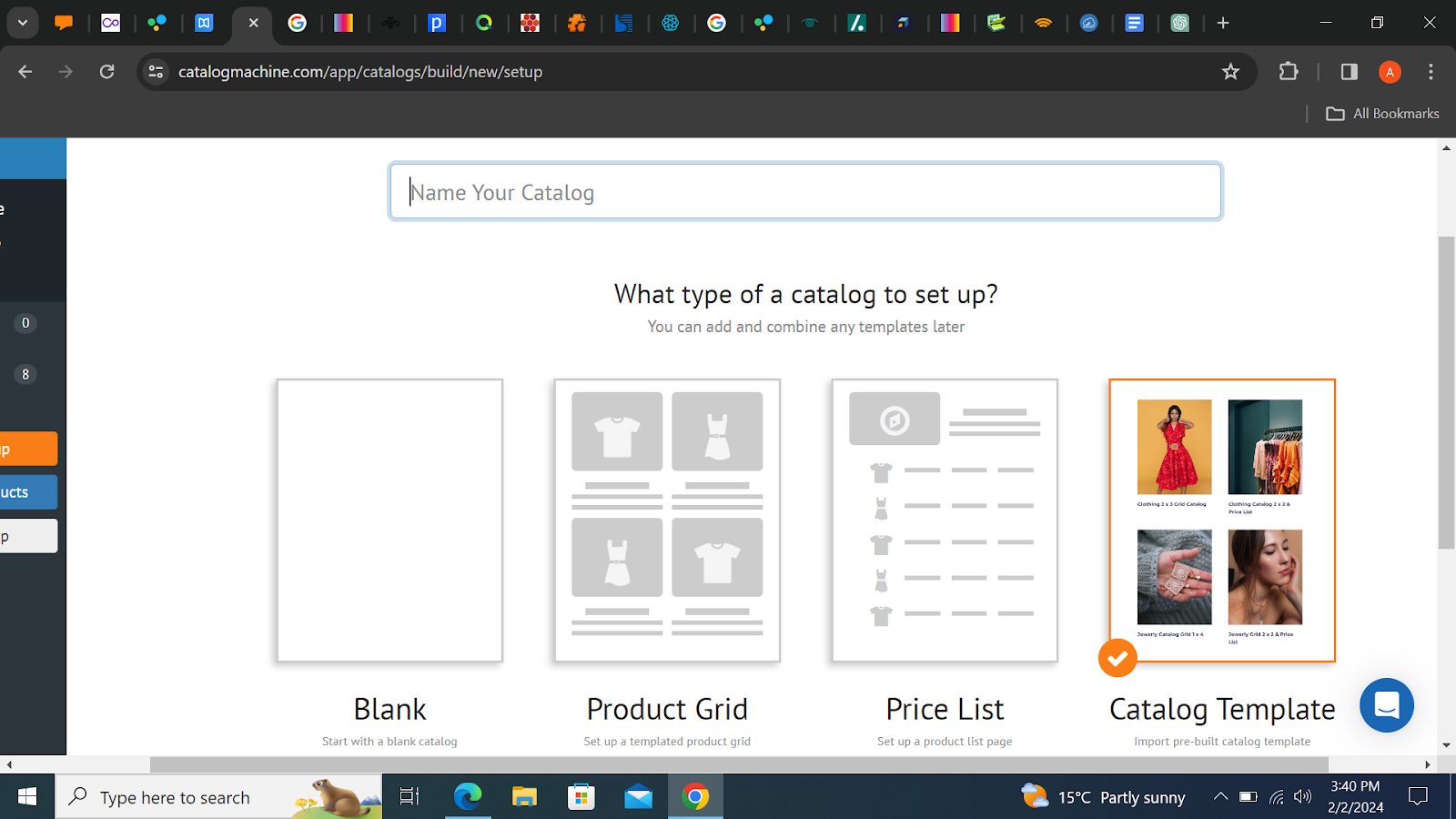
Catalog Machine lets you create and update catalogs online with order forms, basic automation, and integration with Shopify and WooCommerce.
The free plan offers a 15-day free trial with 20 products, 2 catalogs, 10 pages per catalog, and 10 MB of storage.
The lite plan starts at $19/month and includes space for 100 products, 5 catalogs with up to 50 pages per catalog, and 100 MB of storage.
Flipsnack
Best for digital flipbook catalogs.
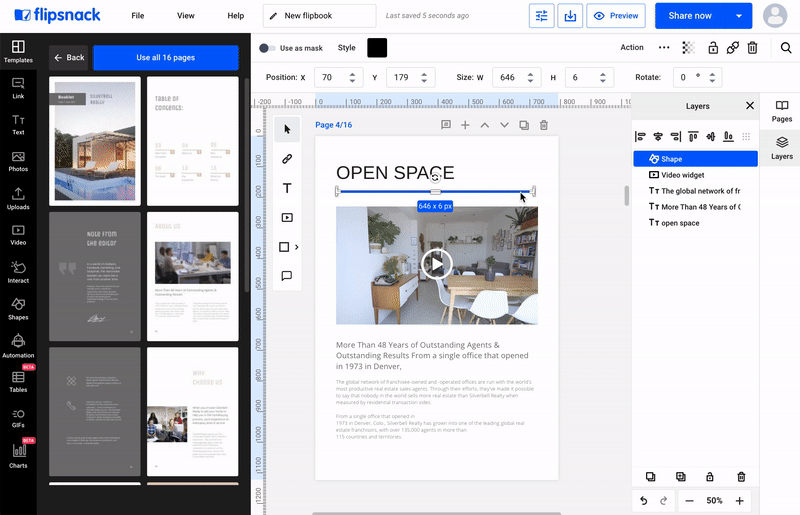
Flipsnack is a cloud-based platform focused on interactive catalogs. It offers responsive templates, product tagging, shopping cart integration, and analytics, great for sharing online.
- Convert your PDF into an online flipbook.
- Add interactive features such as videos, links, buy buttons, and more.
- Saving to PDF, PNG or JPG is a Premium feature, starting from $14 per month.
DCatalog / Publitas / Issuu
Best for publishing and embedding digital catalogs.
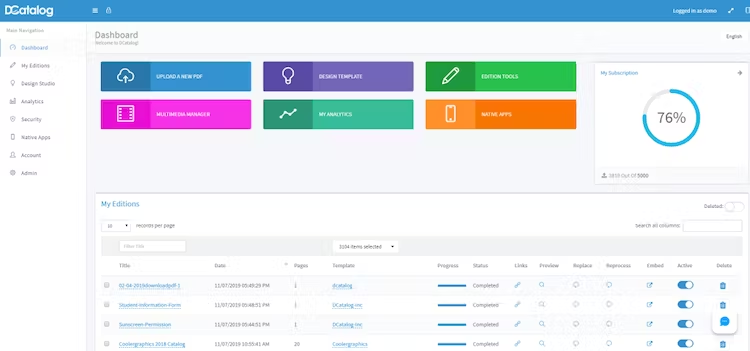
These platforms convert PDFs into online flipbooks, ideal for marketing distribution. Useful for presentation, but less robust in creation or automation.
How to Choose the Best Catalog Maker for Your Business
Your choice should reflect your team’s structure, catalog complexity, and publishing goals.
Based on Team Type
- Marketing teams may prefer design flexibility (Canva, InDesign).
- Product or data teams need automation and data linking (Pagination).
- Sales teams benefit from tools with multi-version generation.
Based on Output Needs
- Print catalogs: Pagination, InDesign
- Digital-only: Flipsnack, Issuu, DCatalog if you are looking for interactive elements
- Both: Choose a hybrid solution like Pagination
Based on Frequency and Volume
- Frequent updates or high product count: Prioritize automation and data linking.
- Occasional seasonal catalogs: Simpler tools with templates may suffice.
Automate Your Catalog Creation with Pagination
If your business manages thousands of products or publishes catalogs in multiple languages or for different markets, Pagination is the catalog maker to consider.
Using your existing Excel or ERP files, Pagination transforms your data into ready-to-publish PDFs and InDesign files, fully formatted and always up to date. Whether you need seasonal catalogs, custom versions for resellers, or multilingual editions, you can automate the entire workflow and free up your team for higher-value tasks.
Another of Pagination’s strengths is its project-based configuration. The Pagination team analyzes your current workflow, design, and needs to create the best possible customized solution for clients while allowing automation.