Many brands rely on Salesforce to centralize and enrich their commercial data, managing accounts, opportunities, SKUs, pricing, and digital assets in one place. This allows sales, marketing, and product teams to keep information consistent and ready to power every customer touchpoint, from CRM and CPQ quotes to sales collateral and partner materials.
When this same data needs to be used to create catalogs, price lists, and product sheets, the process often becomes manual. Teams export reports and spreadsheets, copy information into Adobe InDesign, and adjust layouts product by product. It is a slow, repetitive, and error-prone workflow.
- That is why many companies using Salesforce turn to Pagination.
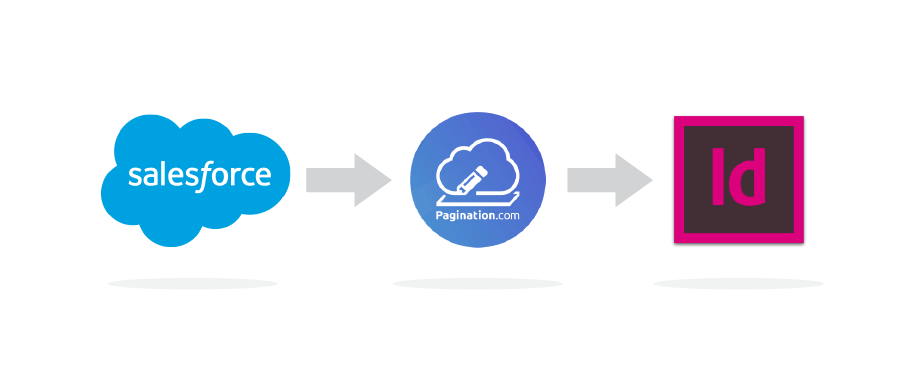
Pagination is a cloud-based database publishing that connects your Salesforce data directly to Adobe InDesign, transforming structured product and pricing information into professional documents automatically.
Why connect Salesforce to InDesign
Salesforce already gives sales, marketing, and product teams a powerful foundation to manage and distribute consistent data across all digital channels.
However, when it comes to creating printed or PDF materials such as catalogs, price lists, proposal books, or product sheets, the process often requires manual exports and time-consuming layout work in Adobe InDesign.
By connecting Salesforce to InDesign through Pagination, that same high-quality data can be used directly to generate professional documents automatically.
Your Salesforce environment remains the single source of truth, while Pagination turns it into ready-to-use catalogs, price books, or other documents that stay fully aligned with your brand identity, without data duplication or manual design work.
How Pagination integrates with Salesforce

Pagination can connect to Salesforce through data exports or direct API integration.
During the initial setup, the Pagination team maps each Salesforce object and field (for example products, prices, discounts, attributes, segments) to its corresponding placeholder in your InDesign template, ensuring that every element appears in the right position and style.
This one-time configuration defines how your data flows from Salesforce into InDesign. Once the mapping is complete, generating documents becomes effortless.
- Your team simply uploads or syncs the latest Salesforce data, selects the document type or version, and launches the generation process.
In a few minutes, Pagination produces fully formatted InDesign and PDF files, ready for print or digital distribution.
Your designers retain complete creative control over the templates, while Pagination automates the population and layout of product and pricing data: complex catalogs, price lists, or sales sheets are turned into professional documents with just a few clicks.

Documents you can create automatically
With Pagination, your Salesforce data can power the creation of multiple types of documents, all from the same source, such as:
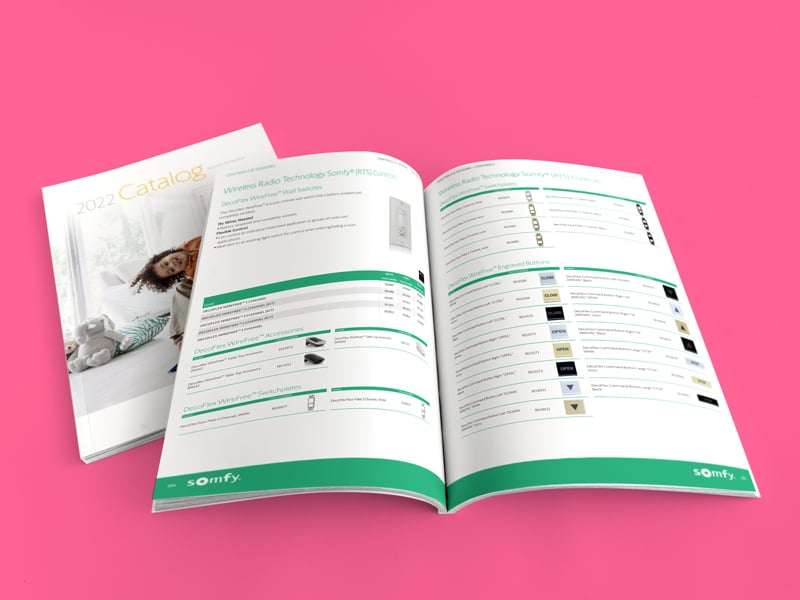
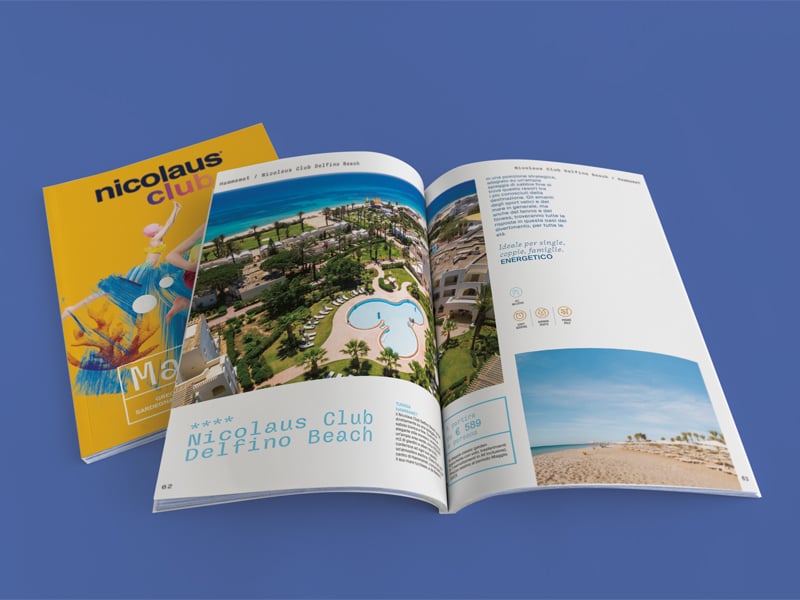
- Product catalogs for marketing, sales, and distributors
- Price lists by region, customer, or market segment
- Product specification sheets with detailed attributes and technical data
- Sales materials, quote supplements, and brochures aligned with your brand design
Each output can be tailored by market, language, account type, or currency while maintaining unified design and data accuracy.