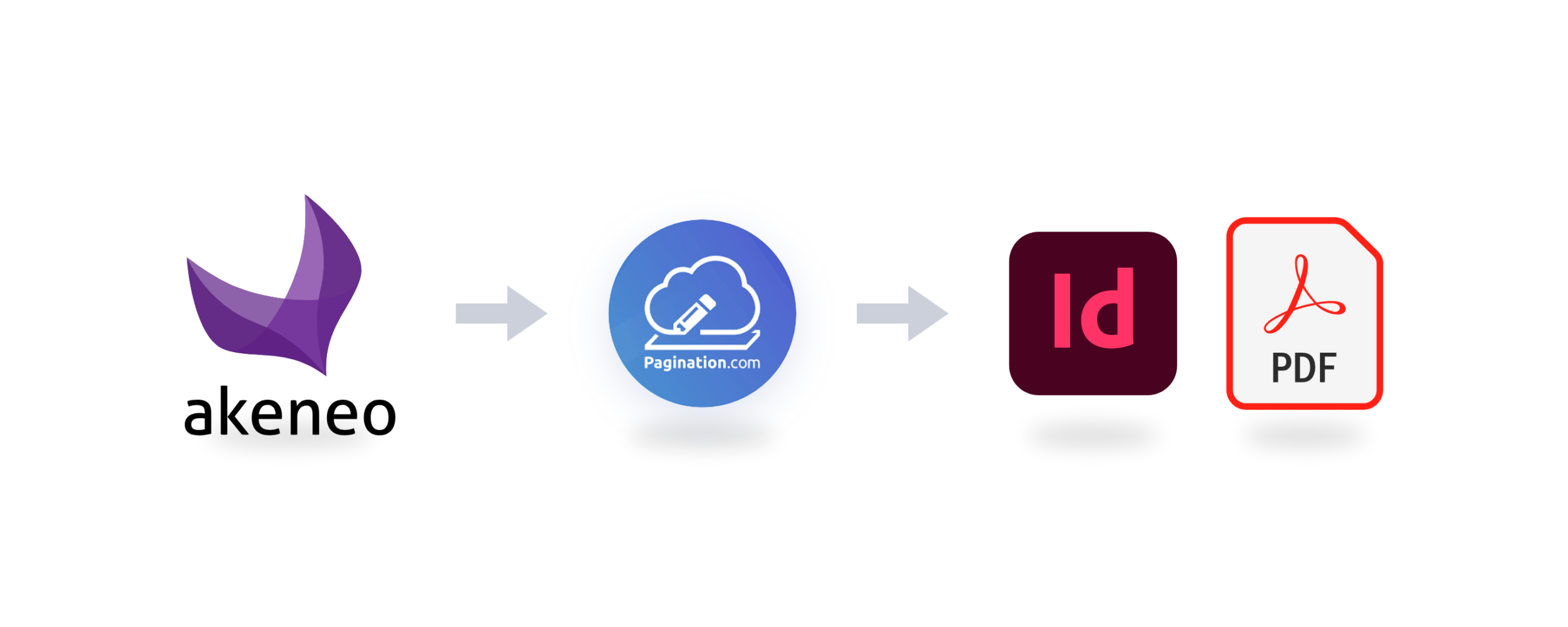
Turn your Akeneo product data into print-ready PDF catalogs, custom price lists, and editable InDesign files with Pagination: the catalog automation software built for teams that manage high-volume document production.
The Akeneo and Pagination integration connects to the Akeneo API and reads your channels, locales, families, and attributes directly. Your team can generate professional PDF and InDesign documents from approved Akeneo data, without manual exports, Excel reformatting, or copy-paste work.
Your team can launch each document from the Pagination web app or directly from inside Akeneo, and, when sync-back is on, the finished documents are sent back to the Akeneo Asset Manager, ready to share with sales teams, distributors, customers, or digital channels.
Key integration benefits:
Direct connection through the Akeneo API
Template setup done for you by the Pagination team
Launch from the Pagination web app or directly from inside Akeneo
Channel, locale, and family read live from Akeneo
Automatic data checks before every document
Output synced back to the Akeneo Asset Manager
Editable InDesign files, print PDF, and web PDF
The Hidden Cost of Building Catalogs by Hand
Akeneo keeps product information consistent across webshops and marketplaces. Pagination brings the same consistency to print and PDF documents. Without an automated connection, every catalog and price list is built by hand: export the product data, clean or reformat it in Excel, place it into InDesign, export the PDF, then upload the final file somewhere the sales team can find it.
It is a repetitive process that becomes difficult to manage when product data, prices, images, or translations change. Each update can mean reopening the file, checking the content, regenerating the PDF, and making sure the latest version is shared with the right people.
Time-consuming updates: every new catalog, language edition, or channel version can require hours of repetitive layout and checking work.
Manual error risk: one copy-paste mistake, missing image, or duplicated item number can spread across dozens of pages.
Disconnected PDF versions: when product data changes in Akeneo, previously generated PDFs quickly become outdated and live outside the PIM.
From Akeneo to PDF and InDesign Output
Akeneo is your single source of truth for product data. Pagination is the document automation engine. See how it works.
Product information starts in Akeneo. Pagination reads the selected channel, locale, and family through the API, checks the data, lays out the document using your InDesign template, generates the final output, and can send the finished files back to the Akeneo Asset Manager.
Once Akeneo is connected to Pagination, every product update flows directly into your branded InDesign template, in every locale you manage in Akeneo.
Two Ways To Launch Your Akeneo-Powered Catalogs
Choose how your team prefers to work: launch from the Pagination web app, or stay inside Akeneo with the Pagination extension.
Launch from Pagination
Launch from Akeneo
Best for
Teams that manage documents in Pagination
Product and marketing teams who work in the PIM every day
Where you click
Pagination web app
Pagination extension inside Akeneo
Setup
Akeneo API credentials entered once in Pagination
Extension installed and enabled in your PIM by the Pagination team
The same options as the web app, fully customizable to your workflow
Follow progress
Project history in Pagination
“Open Pagination” to see the progress of the run
Finished document
Download from Pagination, and in the Akeneo Asset Manager if sync-back is on
In the Akeneo assets as soon as the run is complete, if sync-back is on
From the Pagination web app, connect Akeneo once by entering your Akeneo PIM URL, client ID, client secret, username, and password. Whichever way you launch, every run follows the same guided flow:
Choose the project: select the document you want to create. E.g. Catalog, Price book, product data sheet.
Pick a cover: one of the covers uploaded to the project, with a live preview, for example a different cover for each market.
Name the document: the name you type is applied to every output file of the run.
Select the Akeneo data: the channel whose product data you publish, the locale (for example American English), and the product family (for example LED lamps), all read live from Akeneo.
Decide on sync-back: for each launch, choose whether the output is saved into the Akeneo Asset Manager.
Review and launch: check the summary of cover, name, and Akeneo options, then click Launch, in the Pagination web app or in the Akeneo extension.
You receive an email when the process starts and a second one when the documents are ready. Every run is listed in the project history, marked as in progress, completed, or failed, where you can preview the document, view the web PDF online, or download the full package.
What the Akeneo and Pagination Integration Automates
Multilingual catalogs: translations live as localized attributes in Akeneo. Pick the target locale at launch, and Pagination outputs a dedicated document per language from the same data.
Channel-specific documents: Akeneo channels define which data is published where. Select the channel at launch to produce, for example, a print catalog and a distributor version from the same PIM.
Family-based product selection: Akeneo families are read live in the Pagination launch screen, so each catalog can cover exactly one product family, with no re-export required.
Data quality checks: before the layout starts, Pagination looks for duplicate item numbers, missing or incorrect fields, and missing images, and sends a warning that points to exactly what to fix in Akeneo, instead of discovering it on a printed proof.
Product images from Akeneo: when the data comes from the PIM, Pagination downloads the product images from the public URLs stored in Akeneo.
Product images uploaded in the app: images that are not in Akeneo, for example high-resolution files for print, can be uploaded in the Pagination web app and matched to your products.
Sync-back to the Akeneo Asset Manager: generated documents can be uploaded back into Akeneo, so the PIM holds both the product data and the catalogs built from it.
Designer-ready output: every run produces editable InDesign files (INDD or IDML, also as a complete InDesign package with fonts and images), a print-ready PDF with the bleed, crop marks, and color profile your printer requires, and a lightweight web PDF.
How Pagination Sets Up Your Akeneo Catalogs
Getting started does not mean learning a new design tool. The Pagination team handles the technical setup, so your team can stay focused on product data in Akeneo.
Share a template and a data sample: an InDesign file and an Akeneo export are enough for the Pagination team to link each attribute to its place on the page. Starting from scratch? The layout can be designed for you as well.
Review the first draft: the Pagination team prepares a first draft for your approval, and the project usually goes live within about a month of receiving your files.
Launch from the browser: Pagination is cloud-based, so there is no software to install or course to follow, and document production never depends on a single designer being available.
Ask for changes when you need them: data and images are updated freely in Akeneo, while new layouts and template adjustments are handled by the Pagination team.
Proven with Akeneo Customers
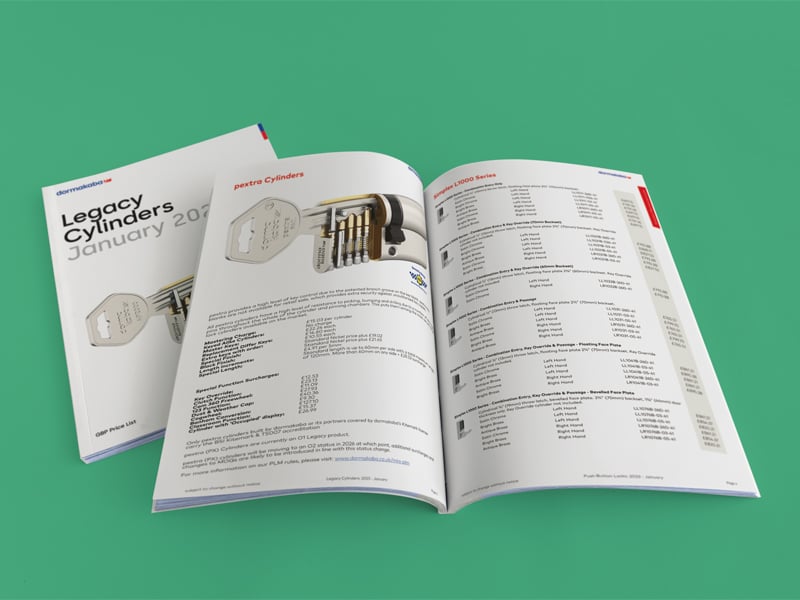
Dormakaba, the global access and security solutions group, uses Akeneo as its central PIM and Pagination to automate price lists for multiple countries, from one central data source. Product data is exported from Akeneo to a cloud storage bucket, which automatically starts the process in Pagination. During generation, Pagination also uses the Akeneo API to retrieve additional product information, categories, and static page content, and the finished price lists are uploaded straight to Dormakaba’s DAM, ready for local sales teams.
Frequently Asked Questions about Akeneo Integrations
1) Do I need to be an Akeneo customer to use the integration?
Yes. The integration requires an active Akeneo PIM with API access. You connect it by entering your Akeneo PIM URL, client ID, client secret, username, and password in Pagination.
2) Can I launch a catalog directly from Akeneo?
Yes. With the Pagination extension enabled in your PIM, installed by the Pagination team, you can launch a document from inside Akeneo with the same options as the Pagination web app, customized to your workflow. Use “Open Pagination” to follow the progress, and if sync-back is on, the finished document appears in your Akeneo assets.
3) Who sets up the InDesign template?
The Pagination team. You share your InDesign template and an Akeneo export, and the Pagination team maps the Akeneo fields to the layout. If you do not have a template yet, the Pagination team can provide one for you. Projects are typically ready about one month after you share your files.
4) Can I use the Akeneo integration to create multilingual catalogs?
Yes. You choose the Akeneo locale at launch, and Pagination generates the document from the product information in that language. Each language edition comes from the same product data source.
5) Can generated documents be synced back to Akeneo?
Yes. When you launch a job, you can choose to sync the output back into the Akeneo Asset Manager, or keep it only in Pagination.
6) What happens if my Akeneo data contains errors?
Pagination checks the data before generating the document and flags duplicate item numbers, missing or incorrect fields, and missing images. Pagination sends you an email listing the errors, so you can fix them in Akeneo and launch again.
7) Which files does the integration produce?
Editable InDesign files (INDD or IDML, also as a complete package with fonts and images), a print-ready PDF, and a web PDF. You can also preview the document and view the web PDF online before downloading.
Ready to automate catalogs from Akeneo?
Connect your Akeneo PIM to Pagination once, launch from Pagination or from inside Akeneo, and turn your latest product data into print-ready PDF and InDesign files, in every locale, synced back to the Akeneo Asset Manager.
Map your data and templates with the Pagination team. Bring your Akeneo instance and your most demanding catalog, and see how Pagination handles it.
Publishing a product catalog or a price list could be a challenging task that can put pressure on even the best marketing teams. Learn with Pagination how to make a catalog with this complete guide.
You can use Pagination to automatically create beautiful documents in just a few seconds that are always ready for print or digital distribution.
To provide the best experiences, we use technologies like cookies to store and/or access device information. Consenting to these technologies will allow us to process data such as browsing behavior or unique IDs on this site. Not consenting or withdrawing consent, may adversely affect certain features and functions.
Functional
Always active
The technical storage or access is strictly necessary for the legitimate purpose of enabling the use of a specific service explicitly requested by the subscriber or user, or for the sole purpose of carrying out the transmission of a communication over an electronic communications network.
Preferences
The technical storage or access is necessary for the legitimate purpose of storing preferences that are not requested by the subscriber or user.
Statistics
The technical storage or access that is used exclusively for statistical purposes.The technical storage or access that is used exclusively for anonymous statistical purposes. Without a subpoena, voluntary compliance on the part of your Internet Service Provider, or additional records from a third party, information stored or retrieved for this purpose alone cannot usually be used to identify you.
Marketing
The technical storage or access is required to create user profiles to send advertising, or to track the user on a website or across several websites for similar marketing purposes.